
Finding memory preservation software that feels natural for elders and families is often frustrating. Many platforms rely on complicated app setups or do not blend audio, photos, and voice features in a family-friendly way. This comparison matches top alternatives to specific family needs, privacy comfort, and memory formats so families can avoid trial-and-error with the wrong platform.
Table of Contents
Senarra
At a Glance
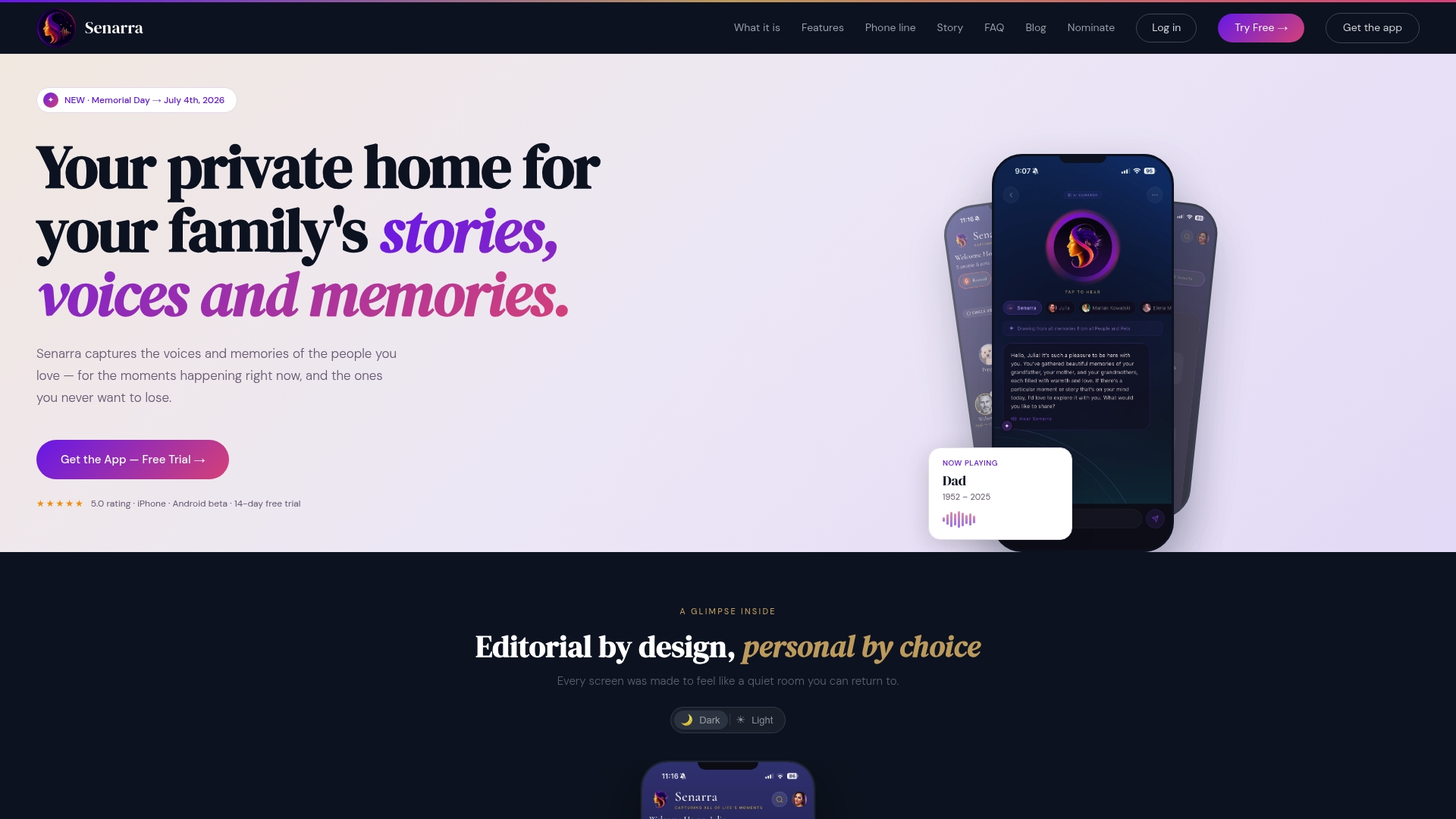
A phone line delivers memory access without installing an app, so relatives can call from a landline or mobile to hear preserved voices. The vendor advertises a free trial with no credit card required. Senarra centers on keeping memories private, faithful, and available to families and pet owners.
Core Features
Senarra stores audio, photos, and text into organized memory chapters that act like a private family archive. It supports voice cloning for real voice reproduction and uses AI conversation grounded entirely in captured memories. The platform also includes phone line access, family invitations for collaboration, and pet personas to represent animals as part of a family record.
Key Differentiator
Senarra combines a private memory vault, AI-grounded conversations, voice cloning, pet personas, and a phone line with dignity and privacy at the center. That combination reduces friction for nontechnical relatives who prefer phone calls over apps. The emphasis on treating pets as family and offering voice-first access separates it from text-only memorial communities.
Pros
Senarra brings audio-first memory preservation and family collaboration into one place, so oral histories sit alongside photos and chapters. The phone line means elders and relatives without smartphones can call to listen or speak. The focus on privacy and dignity guides features such as consent workflows and controlled family invitations.
Cons
- Limited information about subscription costs and tier differences.
Who It's For
Families who want private, faithful preservation of stories and voices will get the most value. Military families and elders benefit when oral histories need to survive deployments or advancing age. Pet owners who treat animals as family can create pet personas and include them in shared memory chapters.
Unique Value Proposition
No app phone access lowers the barrier for relatives and elders to connect with stored memories. That accessibility reduces setup work for caregivers and avoids pushing every family member to adopt new software. Combined with voice cloning and memory-grounded conversation, the phone line makes memories reachable by call, while family invitations keep access controlled and private.
Real World Use Case
A family records their grandmother telling childhood stories into memory chapters and invites cousins to contribute photos. They build a voice archive of a deceased father and use saved clips during holiday calls. The family prepares animated video memory plans and shares voice-led recollections with relatives.
Website: https://senarra.app
forevermore
At a Glance
Unlimited recordings, unlimited storage, and open family access are central to forevermore. The app focuses on preserving genuine voice recordings and photos in a private family archive. It is available on iOS and offers a free trial for listeners and contributors.
Core Features
Forevermore records real human voices and stores them with attached photos, and the app creates automatic transcriptions, so stories are searchable in text. Family members can listen, comment, and grow a shared archive with no weekly limits. Storage is described as unlimited, letting families build a living collection over time.
Key Differentiator
The clearest distinction is authentic voice preservation paired with family access and broad storage. That combination prioritizes emotional presence over polished production. The app targets families wanting to hear a loved one in their true voice rather than producing studio quality edits.
Pros
The app preserves subtle vocal cues that written memoirs miss, making memories feel immediate and personal. Unlimited recording and open family access let multiple relatives listen and contribute without managing seats or invites. Encrypted storage protects the archive and the automatic transcription increases accessibility for relatives who prefer reading or need searches.
Cons
- The product is aimed at emotional and legacy preservation, not at professional audio editing or studio level storytelling.
- Some features require reliable internet to sync and share recordings, which limits offline workflows.
- The vendor lists few integration or export options, so moving large archives to other platforms may be difficult.
When It May Not Fit
Choose a different tool if you need detailed audio production tools and multi track editing. Pick a separate writing platform if you want fully formatted, edited memoirs rather than voice first archives. Also look elsewhere if your household lacks steady internet for uploads and family sharing.
Who It's For
Families and individuals who want a private, audio first archive for descendants will find this app a close match. People who value hearing tone, pauses, and inflection will prefer voice recordings over typed text. The app suits relatives who plan to contribute and listen across generations.
Real World Use Case
A family records weekly conversations with a grandparent, attaches photos from the same week, and lets cousins listen between visits. Transcriptions make it easy for younger relatives to skim and pick episodes to play. Over years the archive becomes a searchable oral history for descendants.
Website: https://forevermoreapp.com
LifeWeaver
At a Glance
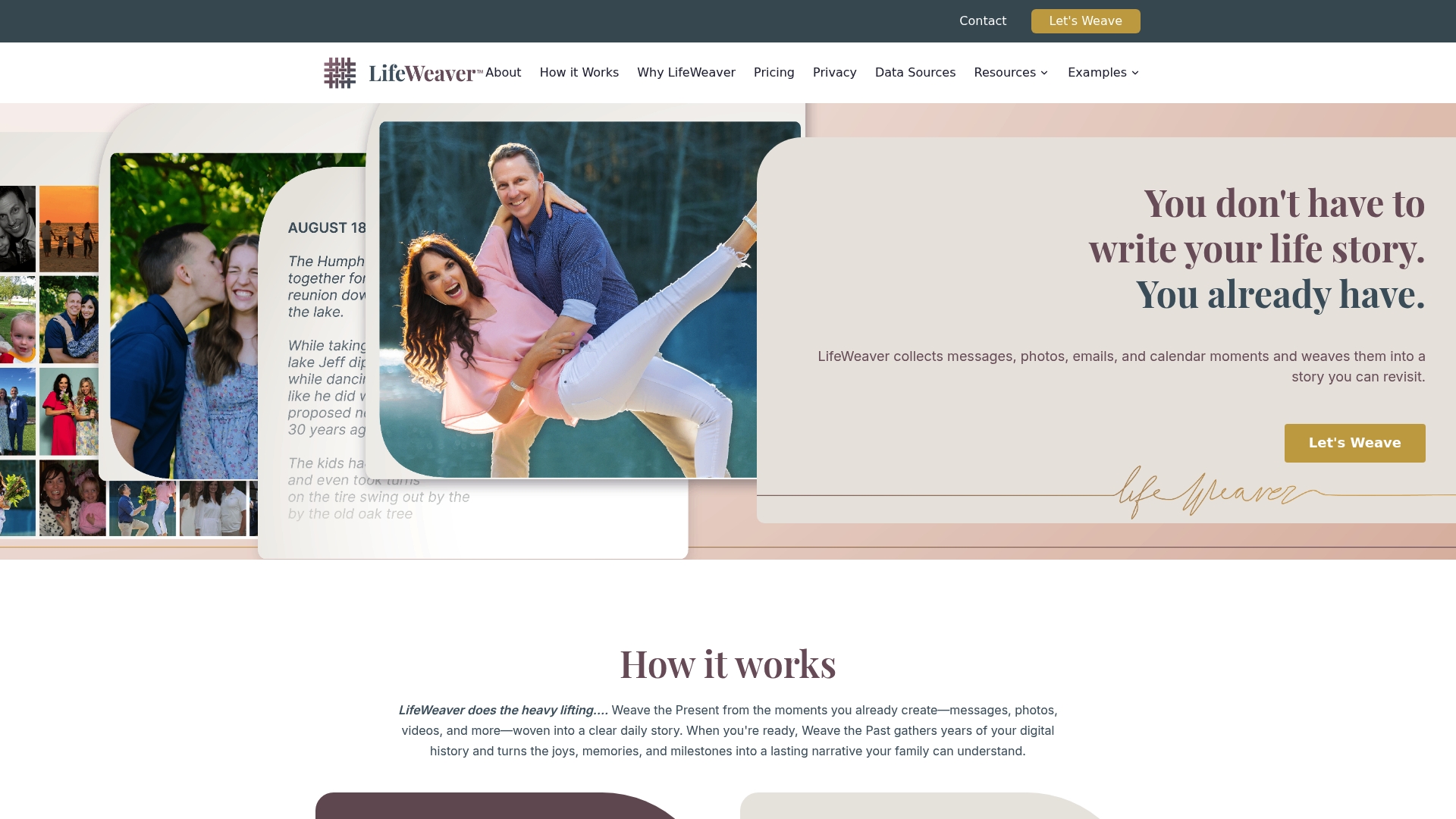
LifeWeaver automatically creates daily StoryThreads by pulling emails, messages, photos, videos, and calendar events into a single narrative. The system offers AI photo cleanup called LoomSifter and an optional reflection feature named The Daily Drop. The service runs on a subscription model with encrypted storage included.
Core Features
LifeWeaver gathers content from multiple personal sources and then weaves those items into chronological stories with minimal manual work. It adds emotional context through optional daily reflections and generates ongoing StoryThreads that summarize what happened and why it mattered. The vendor lists an upcoming chat feature called AI Weave Chat for future conversational access to memories.
Key Differentiator
LifeWeaver automates the full conversion of scattered digital traces into readable life stories while keeping privacy central. That automation reduces the manual sorting most people avoid, and the reflection prompts add emotional context to bare logs. The platform positions privacy and narrative depth as the main contrast with simpler archive tools.
Pros
The vendor advertises encryption and strict privacy controls, which will matter to families storing sensitive messages and photos. Automation turns emails, calendar events, and media into daily story entries, saving time and reducing the task of manual curation. Reflection prompts encourage users to add meaning to moments, and the photo cleanup tool helps surface clearer images for those stories. Pricing is straightforward and affordable for ongoing personal use.
Cons
- Limited clarity on which specific data sources are supported. That gap can make initial setup uncertain for people with niche apps.
- Key features such as AI Weave Chat are announced as upcoming but are not yet available. Buyers should not expect chat access at launch.
- There are few third party reviews or independent assessments. Real world reliability and edge case behavior remain unverified.
When It May Not Fit
If you need native iPhone syncing without extra steps, LifeWeaver may disappoint because iPhone support requires WeaveSync on Mac or PC. If you want an immediately available conversational interface, the upcoming chat feature is not accessible yet. People who rely on independent customer reviews for purchase decisions will find little public third party feedback.
Who It's For
This product suits adults and families who prefer a private, largely automatic way to turn scattered digital content into readable life stories. It fits people who value reflection prompts and clearer photos in their archives. It also fits those comfortable connecting emails and calendars to a single service.
Real World Use Case
A busy parent links their email, photo library, and calendar, then lets LifeWeaver generate daily StoryThreads. The parent uses The Daily Drop to jot quick reflections and accepts LoomSifter cleaned photos for each entry. Over time the family gains a searchable, emotional record without manual journaling.
Pricing
LifeWeaver charges $10 per month or $150 per year, and that price includes encrypted private storage. The subscription model aims to keep ongoing memory capture affordable for families.
Website: https://lifeweaver.ai
LifeAfter.ai
At a Glance
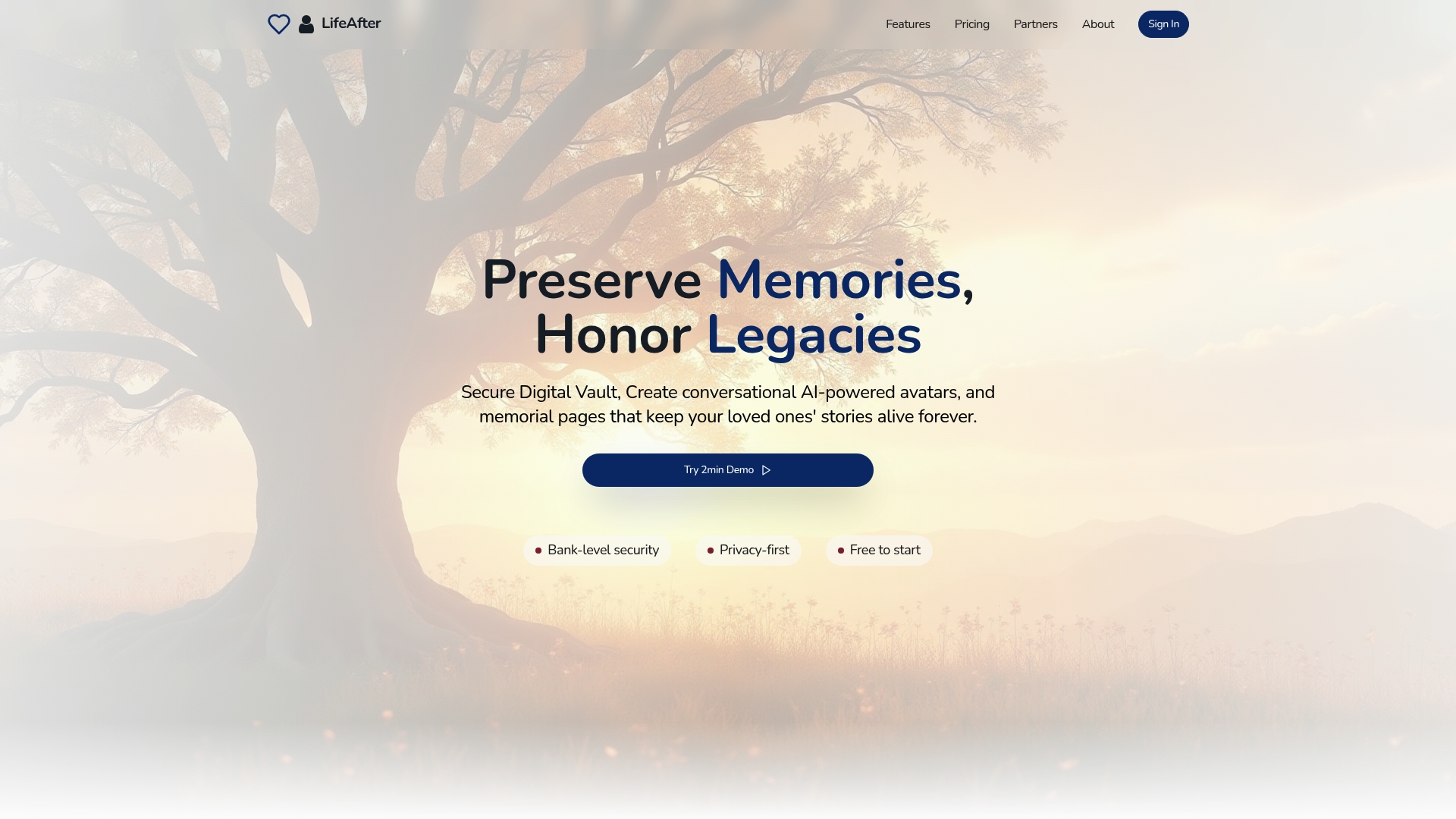
LifeAfter.ai reports being trusted by thousands of families and professionals. The site pairs memory preservation with estate management so families can keep stories and legal paperwork in one place. Its public claims focus on secure storage plus interactive memorial features that work alongside estate tools. That combination aims to reduce the number of separate providers a family must manage.
Core Features
LifeAfter bundles five core capabilities into a single offering. AI Powered Avatars recreate a loved one’s voice and conversational patterns, and Secure Digital Estate Vault stores wills, deeds, and passwords under encrypted access controls. Memorial pages let guests post photos and messages while the AI Document Analyzer scans estate paperwork and surfaces basic recommendations.
Key Differentiator
The product emphasizes combining memory tools with estate management under strong security controls. That mix positions it as both a memorial platform and a practical estate organizer for families and professionals. The vendor frames the platform as a place to hold multimedia legacies and legal documents together rather than splitting them across multiple services.
Pros
The platform creates emotional connection through interactive memorial pages and AI driven avatars that let relatives converse with recorded personality traces. High level security and privacy features appear baked into the offering alongside a document vault for important files. A free entry option and tiered plans make it accessible for families who want to try the service before committing to paid tiers.
Cons
-
Limited clarity on full pricing beyond the free tier. The entry in the product data lists specific monthly tiers but public pricing details are not exhaustive.
-
Potential privacy concerns with sensitive data. Several user reviews raise questions about how AI training data is handled.
-
Some families may prefer traditional memorial methods. The simulated conversations can feel less authentic to people expecting human interaction.
-
Advanced features require some digital literacy. Caregivers or older relatives might need help to use the estate analysis tools.
When It May Not Fit
If you need a purely analog memorial approach this platform is not the right fit. Teams that lack basic digital skills may struggle with the document analyzer and avatar setup. Families who cannot accept vendor hosted AI models handling sensitive content should look elsewhere for offline or attorney managed estate solutions.
Who It's For
This product fits families and individuals who want a single place for memories and estate records. It also suits estate planners and caregivers who want a digital workflow that ties legal documents to memorial pages. People comfortable with moderate technical setup and with interest in AI driven interactions will get the most value.
Real World Use Case
A family created a memorial page, uploaded photos and voice clips, and stored their parent’s will in the vault. They used the AI Document Analyzer to flag missing beneficiaries and then shared secure access with their attorney. Relatives later used the avatar to revisit stories, and the single repository kept legal files and memorial content organized in one location.
Website: https://life-after.ai
EverYou
At a Glance
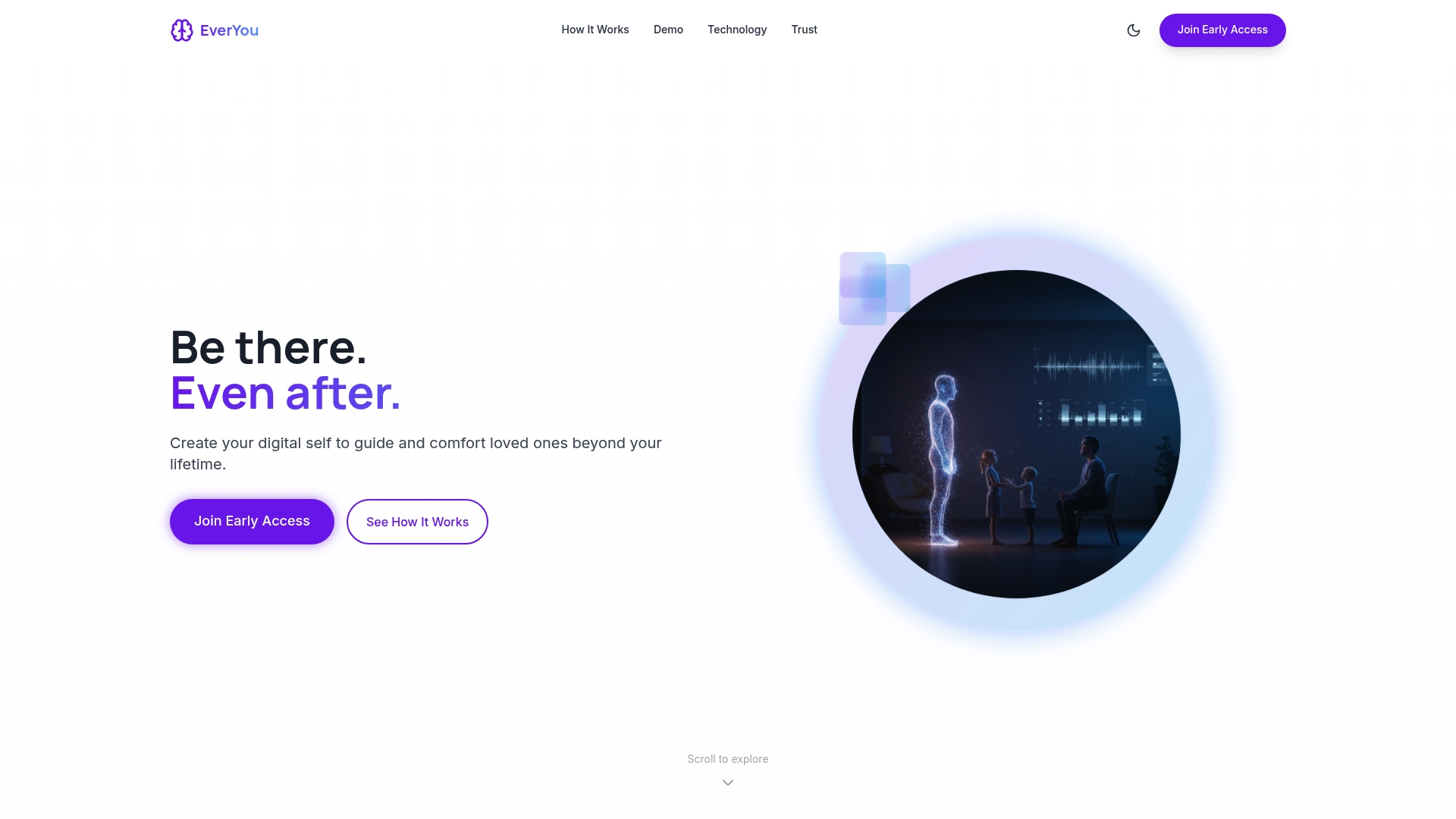
An AI-generated presence that can hold conversations and deliver scheduled messages after a person passes creates the platform's most striking capability. EverYou collects text, audio, and video and uses those inputs to build a living memory people can interact with. The service asks interested people to join a waitlist to begin creating a personalized digital presence.
Core Features
EverYou guides members through a structured recording process that captures text, voice, and video and stores those assets under strict access controls. The system learns communication style, preferences, and decision patterns to produce natural conversational output and voice synthesis. Members can schedule time- or trigger-based messages and control who can access specific recordings, and the platform emphasizes privacy with end-to-end encryption.
Key Differentiator
EverYou centers on a proprietary AI that models an individual’s communication style for more authentic interactions. That focus on learning phrasing, decision patterns, and tone aims to make conversations feel familiar rather than generic. The vendor positions this as a way to preserve not only memories but the voice and manner a person used when sharing stories.
Pros
EverYou enables families to keep a multidimensional archive of stories using text, audio, and video in one place. Scheduled messages and trigger-based delivery let a member plan specific moments of connection for birthdays, anniversaries, or milestones. The platform stresses privacy and ethical AI design, which helps people who worry about how posthumous representations are managed. The structured recording workflow reduces the friction of capture and makes it easier for less tech comfortable members to contribute.
Cons
- Limited pricing transparency. The product data does not list subscription models or fees, so budgeting requires contacting the company.
- Ethical concerns around an AI speaking for a deceased person. Some family members may find the representation unsettling.
- Not a replacement for legal estate planning. The platform focuses on memories and messages rather than wills or asset transfer.
- Features may demand a moderate level of technical comfort from older relatives who prefer analog memorials.
When It May Not Fit
EverYou is focused on digital legacy creation and will not meet buyers who need formal estate or legal services. Families that want only human-led memorials with no AI representation will find the platform a poor match. If your priority is a simple static archive without conversational features, the product’s strengths will be unnecessary.
Who It's For
People who want to preserve voice, stories, and values for future generations and who accept AI-mediated interaction will get the most from EverYou. It suits family members who plan messages ahead and want controlled access for relatives. The platform appeals to those who prioritize privacy and deliberate design over purely public memorial pages.
Real World Use Case
A person records a series of short videos and voice notes about family recipes, life lessons, and personal stories. They set birthday and anniversary messages to trigger automatically and grant access to close relatives. After their passing, family members hear familiar phrasing and receive timely messages that spark conversation and remembrance.
Website: https://everyou.app
Vona
At a Glance
Supports printed books, audiobooks, eBooks, and video from the same storytelling project. The vendor advertises compliance with GDPR and ISO standards and a privacy first design. It targets individuals, schools, charities, and community groups that want both digital archives and physical heirlooms.
Core Features
Vona captures recordings and written inputs and uses AI assisted tools to shape them into cohesive narratives. The platform includes an AI Interviewer that prompts memories, editing tools for refinement, and options for collaborative projects with classroom or charity members. Final outputs include eBooks, printed books, audio books, and video with choices for physical heirlooms.
Key Differentiator
Vona pairs AI assisted story creation with a privacy first infrastructure tailored to classroom and community use. That focus frames features such as consent controls, secure storage, and collaborative editing for groups and charities. The product aims to make legacy work practical for non technical members and classroom schedules.
Pros
The interface helps busy teachers and volunteer coordinators collect interviews and assemble narratives with less manual editing. Support for multiple formats lets families order printed books or share audio clips with distant relatives. The vendor states the platform supports collaboration for schools and charities and includes consent and privacy controls. Guided prompts let teachers finish class projects faster and help charities publish beneficiary stories for campaigns.
Cons
- Relies on AI generated drafts that need careful member review to preserve voice and factual accuracy.
- Pricing details are not publicly listed, so schools and charities must contact Vona for estimates.
- Advanced customization or enterprise level options are not clearly described, which could restrict large community projects.
- Quality of recordings and written inputs directly affects output, so moderators will need to set submission guidelines.
When It May Not Fit
Not a fit for groups that need bespoke publishing workflows or enterprise level customization. Large foundations and publishers that require vendor managed production may find feature detail lacking. Also, communities unfamiliar with consent settings should plan training for members and moderators.
Who It's For
Families and elders who want printed keepsakes and audio memory collections will find this approachable. Teachers and classroom coordinators can run short projects that turn interviews into published class books. Charity storytellers and local history groups can use collaboration tools to gather member contributions and produce campaign materials.
Real World Use Case
According to the company, a school completed student interview projects in 1–2 lessons using Vona and its guided prompts. Teachers recorded small groups, edited transcripts with students, and ordered printed class books as end of unit artifacts. Charities can adapt that workflow to collect beneficiary stories and produce materials for outreach and fundraising.
Website: https://vonastory.ai
Comparison of alternatives
Preserving memories is both a personal and practical endeavor. Each platform reviewed here prioritizes a unique aspect of this process, balancing usability, functionality, and scope.
Accessibility and user inclusion
Senarra.app distinguishes itself by enabling memory access through a phone line, which does not require an app installation. This feature particularly aids elder family members who might be less tech-savvy or have limited access to smartphones. Meanwhile, platforms like EverYou require users to actively engage with structured recordings and AI features, which while advanced, might not suit all audiences. Vona’s classroom and charity-oriented approach includes AI-guided prompts for digital and tangible result creation, catering to highly communal and education-driven archives.
Archival storage and collaborative workflows
Forevermore excels in scenarios requiring expansive, collaborative interaction, with its truly unlimited storage and intuitive access. Contrastingly, LifeWeaver automates archival tasks by weaving inputs like emails and photos into StoryThreads but is limited by which integrations are supported. Families seeking real-time contribution without storage constraints lean towards Forevermore, while those appreciating automated aggregation and meaningful daily reflections might opt for LifeWeaver.
Best fit
- Families who prioritize telephone-based memory access for elder users will resonate with Senarra.app's phone line system, facilitating verbal memory sharing without app installations.
- Users requiring unlimited storage for original recordings and collaborative visitation will find that Forevermore aligns well with their detailed archival plans.
- Classrooms and nonprofits looking to blend digital storytelling with tangible keepsakes will benefit from the publication tools offered by Vona.
- Individuals desiring AI-interactive memorials for posthumous conversation would resonate most with EverYou’s technological focus.
Our pick
While every platform offers substantial strengths, Senarra.app stands out for its intuitive accessibility. By providing telephonic access without the need for apps, it ensures inclusivity for elder family members and less tech-savvy individuals. However, households that require extensive collaboration or unlimited storage may find Forevermore a better fit. Such adaptability and tailored suitability make Senarra.app the recommended choice for accessibility-driven families.
Discover which platform aligns best with your memory preservation priorities through the comparison below.
| Product | Core feature | Best for | Pricing | Notable limitation |
|---|---|---|---|---|
| Senarra | Memory vault with phone line access | Families valuing privacy and inclusivity | Price not published | Limited subscription cost details |
| forevermore | Unlimited recordings and transcriptions | Families prioritizing authentic voice archives | Price not published | Requires consistent internet for sharing |
| LifeWeaver | AI-generated chronological stories and reflections | Adults preferring automated memory curation | $10/month or $150/year | Upcoming key features unavailable |
| LifeAfter.ai | Combined memory and estate management | Families needing legal document integration | Price not published | Concerns regarding privacy and AI training |
| EverYou | AI-driven digital representation for messages | People planning posthumous interactions | Price not published | Ethical concerns with simulated messages |
| Vona | Assisted story creation for multiple formats | Teachers, charities, and nontechnical users | Price not published | Reliance on AI for draft creation |
How Can Families Preserve Memories Beyond Basic Archives?
Families and elders often face challenges preserving memories in ways that feel authentic and accessible to all relatives, including those who prefer phone calls over apps. Senarra answers these needs by offering voice cloning and a phone line to listen to cherished stories through simple calls. It stores audio, photos, and texts in private memory chapters that connect family members and even include pet personas.
Senarra eases memory sharing for families wanting privacy and emotional connection without complicated apps. Explore how Senarra keeps your loved ones’ voices alive in a trusted, easy-to-use platform at Senarra. Hear memories by phone and invite family to contribute safely. Visit Senarra’s homepage to try a free trial with no credit card required and connect more personally with your family's stories.
FAQ
How does Senarra enable families to preserve memories?
Senarra allows families to create organized memory chapters that act like a private family archive. This platform supports memory preservation through audio, photos, and text while prioritizing privacy and dignity for its users. Families seeking to keep their memories accessible and secure should consider using Senarra for its versatile features.
What is the difference between Forevermore and Senarra?
Forevermore offers unlimited recordings and a focus on preserving authentic voice recordings alongside searchable transcriptions. Senarra, in contrast, combines voice cloning and AI-conversation functionality, making it ideal for families who prioritize privacy and ease of access through phone lines. Families may choose Forevermore for its extensive recording capabilities while still finding Senarra more suited for maintaining oral histories.
Which product features unlimited storage for shared family access?
Forevermore provides unlimited storage and allows open access for family members to contribute and listen to recordings. This feature makes it suitable for families who want to grow a shared archive over time, while Senarra focuses more on memory chapters and voice-first access, which may be preferred for users looking for privacy and dignity in memorialization.
Can LifeWeaver help families document their memories automatically?
LifeWeaver automates the creation of daily StoryThreads by compiling emails, messages, photos, and calendar events into readable narratives. This platform is ideal for families who want a largely automatic way to connect scattered digital content and preserve their stories. Users may find Senarra's approach more personalized with voice cloning and a dedicated phone line for extra accessibility.
What are the privacy controls offered by LifeAfter.ai?
LifeAfter.ai emphasizes strong security controls along with a Secure Digital Estate Vault for storing sensitive documents. Families who prioritize robust privacy features in their memory preservation efforts will find this appealing. For a more direct focus on memory preservation, Senarra might be a better fit.
How does EverYou provide a personalized digital presence?
EverYou collects and generates text, audio, and video content to create a unique AI-generated presence that holds conversations. This approach appeals to those wanting to maintain emotional connections posthumously. Senarra, on the other hand, keeps the focus more on voice preservation through its memory chapters, making it suitable for families who prefer a straightforward archival method without AI interactions.