

Choosing a voice-based digital legacy platform that balances authentic memory preservation with easy family participation is confusing. Many platforms restrict advanced features to paid plans or require iOS-only access, which leaves relatives excluded or paying extra for core tools. This comparison details strengths, limitations, and participation options across top alternatives so families can pick a solution that works long term.
Table of Contents
Senarra
At a Glance
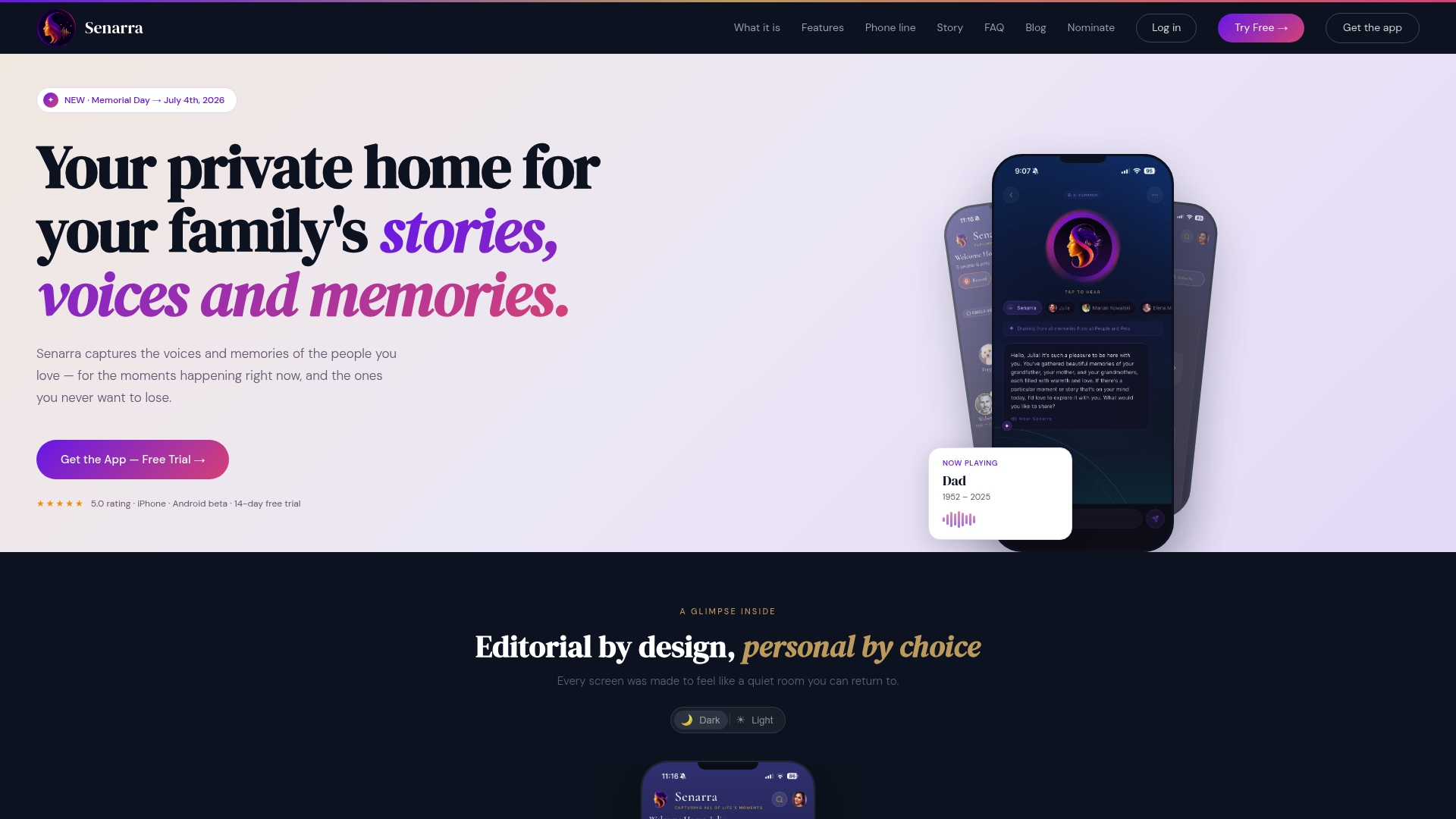
A phone call line lets relatives record memories without installing an app. The platform captures voice profiles and organizes stories into chronological memory chapters for later playback. It also supports pets as named personas and generates short animated video memories from preserved audio.
Core Features
Senarra creates a voice cloning profile from submitted recordings and preserves conversational tone for later voice or chat interactions. The product organizes stories into memory chapters and a Portrait that records quirks and catchphrases for each person or pet. Family sharing and an Ask Senarra feature let multiple relatives contribute and receive combined family responses via in-app chat or voice.
Key Differentiator
Senarra pairs voice cloning with explicit pet personas so family pets appear as named participants in preserved conversations. The platform also converts those recordings into short animated video memories alongside audio playback. All of this operates inside a privacy-focused environment that keeps recordings separate from model training and commercial resale.
Pros
The phone call recording option lowers the barrier for older relatives and nontechnical contributors to share longform stories. Built-in story organization helps you keep childhood memories, anecdotes, and timelines in one place for later browsing or sharing. The privacy commitments, including stated restrictions on using recordings for model training and on selling user data, protect family material and make the platform suitable for sensitive legacies.
Cons
- Advanced features such as animated videos and voice cloning require a paid subscription.
Who It's For
Families and individuals who want to preserve voices and memories with dignity will find this platform a natural fit. It suits those documenting elders, collecting childhood stories, or keeping pets present in family archives. It also works for relatives who need a low-friction recording option because of distance or limited tech comfort.
Unique Value Proposition
A usable voice profile plus a direct call-in recorder means you can capture a loved one’s exact cadence without complex equipment. That combination reduces friction for contributors and keeps recorded material authentic for later playback. For family projects or memorial planning, this workflow shortens the path from memory to a lasting, shareable artifact.
Real World Use Case
A family schedules phone sessions with a grandparent and records each call into separate memory chapters. They tag stories by topic, compile a Portrait of favorite sayings, and later generate short animated clips for a memorial video. Relatives across cities can read the transcripts or call the memory line to hear the original voice.
Pricing
Senarra offers a 14 day free trial followed by paid tiers that unlock advanced capabilities. The vendor lists additional-feature tiers on the site rather than publishing detailed breakdowns in this summary. Specific tier features and pricing require visiting the product pages for the most current information.
Website: https://senarra.app
forevermore
At a Glance
Offers secure, encrypted storage and unlimited family recordings tied to configurable access levels. Guided prompts, time capsules, and a family tree help structure oral histories and photos. The service focuses on capturing authentic voice recordings and readable transcripts for easier browsing. Families use the app to build a private, growing archive rather than a public memorial.
Core Features
The app records voice stories with guided prompts and lets you attach photos to each entry. It creates automatic transcription so family members can read or search stories inside the archive. Access controls let administrators set who listens and who contributes while storage stays protected by encryption.
Key Differentiator
The offering centers on voice-first preservation rather than text-only archives. It links recordings, transcripts, and photos to a family tree, which keeps context with each story. That approach helps descendants hear relatives in their own voices while still having searchable text.
Pros
High-quality voice preservation keeps tone, cadence, and emotion intact, which helps memories feel more immediate and personal. Unlimited recording and family participation remove barriers to contribution, so every relative can add stories over time. Automatic transcription converts audio into readable text, making long recordings accessible to relatives who prefer reading. Secure privacy features let families restrict access to sensitive content while the archive grows across generations.
Cons
- Buyers who prefer written prompts or physical keepsakes may want a service geared toward printed books and mailed prompts. The product focuses on audio and digital media.
- The offering does not produce physical products or printed compilations, which limits options for people wanting tangible heirlooms.
- The app relies on iOS devices, which excludes Android-only relatives unless the vendor adds a web interface or Android app.
When It May Not Fit
If your family expects printed memoirs or curated physical collections, this tool will feel limited. Families that include many Android users will face access gaps because the platform requires iOS devices. Organizations that need public publishing or broad community sharing will find the private family model too narrow.
Who It's For
Families focused on preserving personal stories and photos in authentic voices will find this useful. It fits relatives who value privacy and want controlled access across generations. The platform suits families willing to use iOS devices to record and manage their archive.
Real World Use Case
A family records grandparents telling childhood stories, attaches period photos, and tags each entry on the family tree. Grandchildren read transcriptions for school projects and listen to the original recordings during holidays. Over time the archive becomes a searchable repository that relatives access privately.
Website: https://forevermoreapp.com
LifeAfter AI
At a Glance
A Personal AI Expert reviews estate documents and highlights planning gaps. That feature links document analysis to the platform's memorial and vault tools for a single workflow. Families get both memory creation and file organization in one place.
Core Features
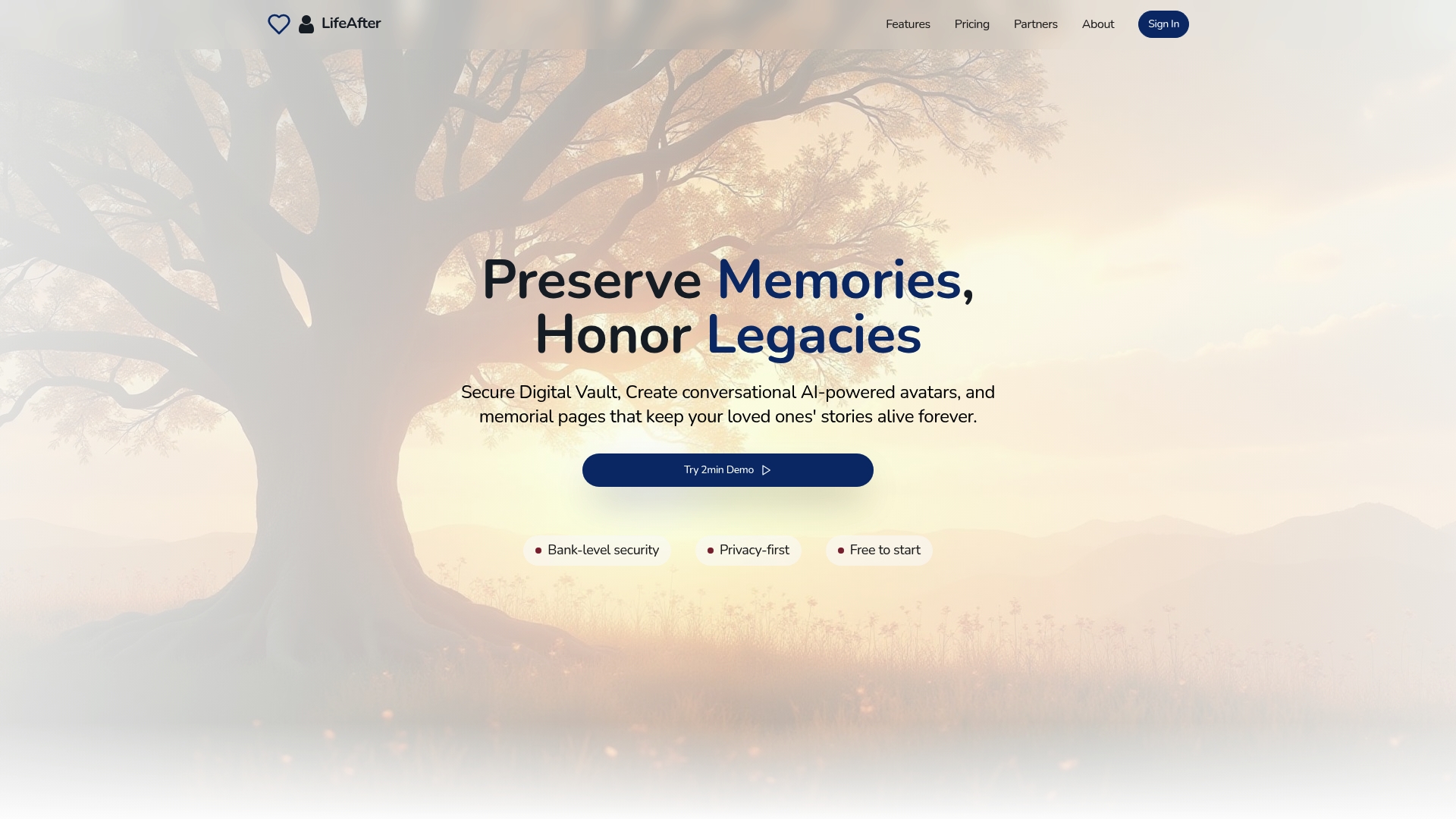
LifeAfter AI combines AI powered avatars, a digital estate vault, and a document analyzer so memories and legal files live together. It offers an AI memory curator and an AI content generator for tributes and eulogies, plus family collaboration tools and premium templates. Guided onboarding promises quick setup and local professional recommendations for estate planning.
Key Differentiator
LifeAfter AI centers on automated legacy content plus enterprise grade security. The platform focuses on document review and estate planning alongside lifelike avatars. That emphasis makes it more document first than platforms focused solely on conversational memory playback.
Pros
The platform uses advanced AI to turn notes and voice inputs into richer stories and lifelike interactive memories, which helps families build fuller tributes. The digital estate vault applies encryption based storage and organized folders so sensitive documents remain private. Setup is user friendly and offers a free start option with paid tiers for extra features. The service includes estate planning guidance and recommendations for local professionals, which reduces the friction of finding legal help.
Cons
- The interface can feel complex for people unfamiliar with estate planning. Some steps require legal concepts and careful file preparation.
- Integrations with external apps are limited, which complicates workflows that rely on third party cloud storage or probate software.
- Advanced features sit behind paid plans, so families on tight budgets may find the free tier too basic.
When It May Not Fit
If you want a simple memorial app for occasional visits, this platform may add unnecessary steps. If your household uses many third party tools and needs tight integration, the limited compatibility will slow work. If you need a free only solution, the richer features are available only in paid plans.
Who It's For
This product fits families and individuals who want both memorial pages and formal estate organization. Choose it if you value secure document storage, collaborative editing with relatives, and automated prompts that improve estate readiness. It suits people comfortable with a steeper learning curve for fuller planning features.
Real World Use Case
A family uploads wills, life insurance policies, and scanned deeds into the vault and runs the AI document analyzer to find missing items. They then build a memorial page and use the AI content generator to draft a tribute. Relatives share access and finish the setup in guided onboarding.
Pricing
Free to start. Paid plans range from $25/month to $60/month depending on features and storage needs. The vendor advertises trial options and tiered plans for extra vault space and advanced AI tools.
Website: https://life-after.ai
LastingMind
At a Glance
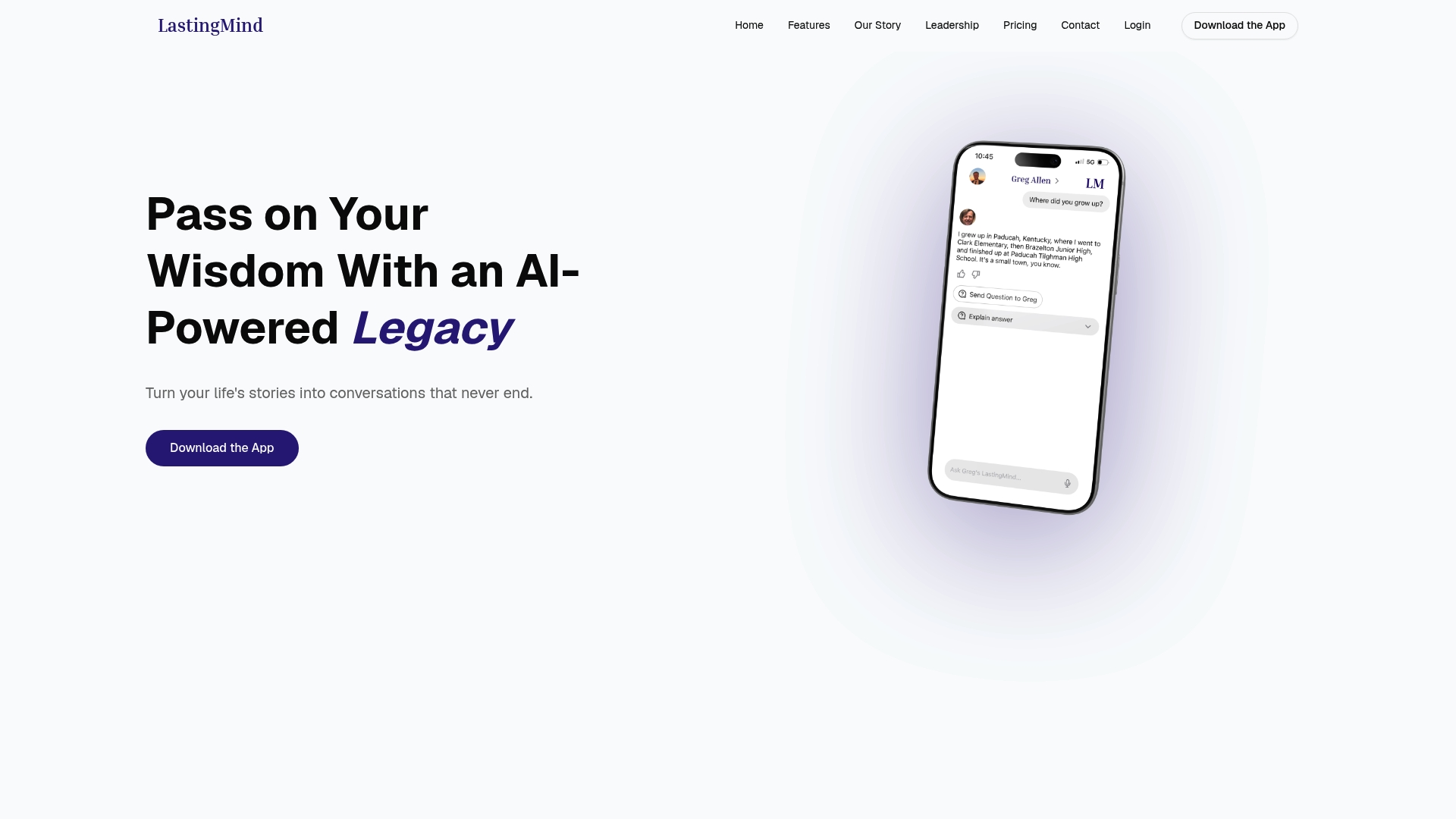
White glove onboarding and professional voice cloning sessions are offered as paid options. LastingMind turns guided interviews and uploads into a personal AI that replies in the original speaker's tone. Family members can be invited to interact with the preserved voice for ongoing conversations.
Core Features
Guided prompts and journaling guide people through story capture so members do not have to script their memories. The platform supports voice recording and uploading, plus professional voice cloning sessions for higher fidelity captures. Users can invite family and friends to connect with the preserved voice and choose subscription or lifetime access options.
Key Differentiator
LastingMind focuses on turning personal stories and voice recordings into a conversational AI that replies in your style. That emphasis on conversational continuity sets it apart from platforms that only store audio files or text archives. The result aims to feel like an ongoing presence rather than a static archive.
Pros
It helps families preserve stories and the original voice so future members hear familiar phrasing and cadence. Flexible purchase paths include monthly plans, a legacy annual plan, and one time lifetime access with professional voice cloning. The platform simplifies capture through guided questions, journals, and direct recordings while letting invited members join the conversation.
Cons
- Premium features such as voice cloning require extra cost and scheduled support sessions.
- Public material does not specify comprehensive data privacy practices or regulatory compliance.
- Limited public detail about security measures makes it hard to evaluate long term data safeguards.
When It May Not Fit
People uncomfortable with AI or voice cloning will likely avoid this service. Anyone who requires documented regulatory compliance or clear security certifications may find the available information insufficient. Groups seeking an open community forum with threaded public discussions might prefer a different type of platform.
Who It's For
Individuals who want to preserve their voice and life stories for family legacy will find the product relevant. It fits seniors, people in memory care, and those wanting a recorded voice for descendants. Family members who plan to interact over time will value the invitation features and recorded conversations.
Real World Use Case
A person answers guided life questions over a series of short recording sessions. The platform assembles those responses into a personal AI that family members can call up and talk with. A daughter or grandchild can revisit specific stories and hear them expressed in the original voice.
Website: https://lastingmind.ai
KindredMind
At a Glance
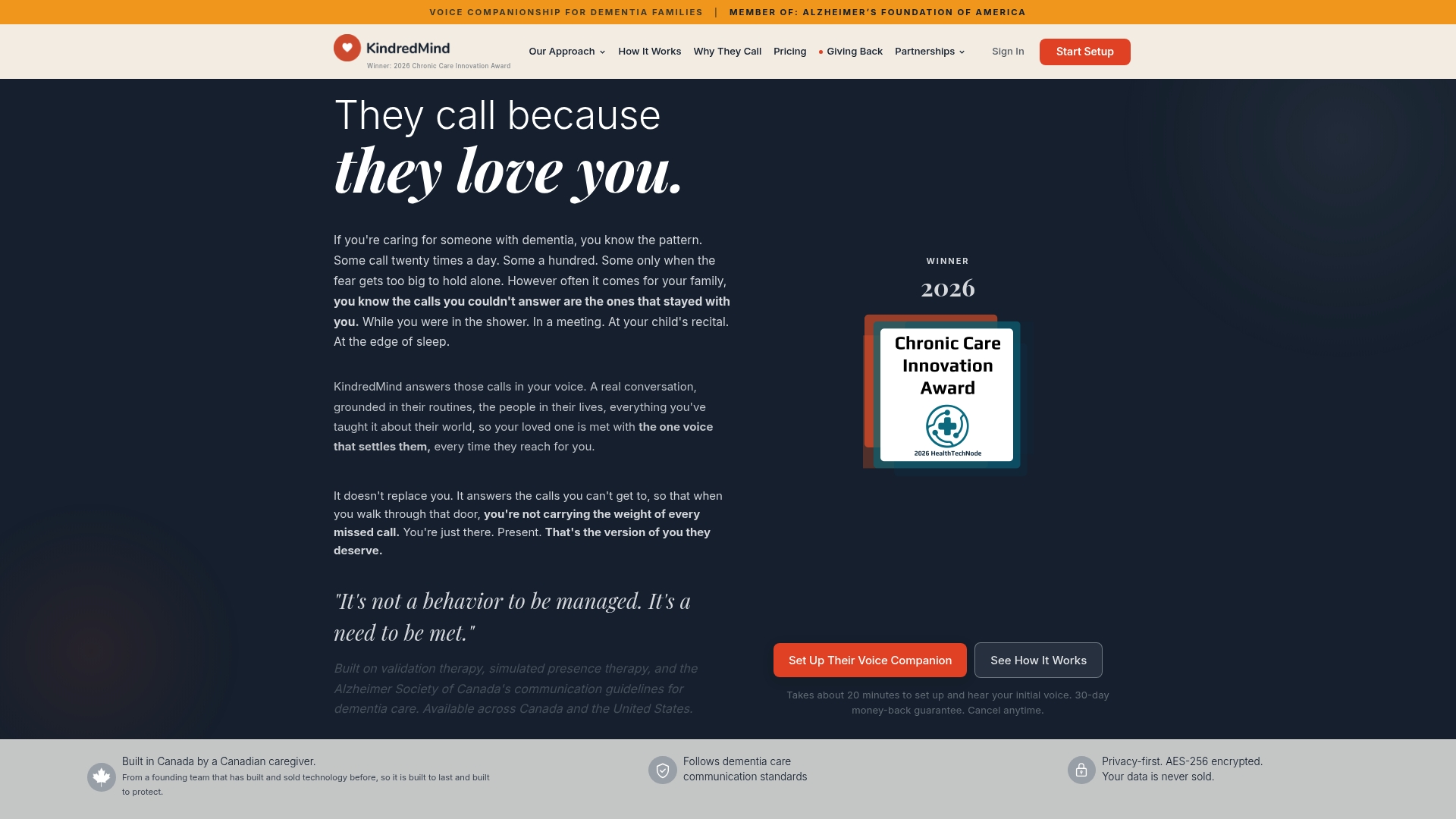
Answers every incoming call in the caregiver's voice to reduce repetitive calling and soothe separation anxiety. The system answers with a warm, familiar tone and personalized details about routines and family. Families in Canada and the U.S. can pick flexible plans and pause or change schedules as needed.
Core Features
According to the company, the service uses clinical principles such as validation therapy and simulated presence therapy to shape responses. KindredMind builds a personalized voice model from short caregiver recordings and links that voice to a built in knowledge base of routines and personal history. Caregivers set a schedule for when the system should answer calls and can add multiple voices under higher tier plans.
Key Differentiator
The defining feature is that calls ring through answered in the caregiver's actual voice while referencing the loved one’s daily patterns and memories. That clinical grounding aims to address the emotional cause of repetitive calling rather than simply blocking or redirecting calls. The result focuses on comfort and emotional connection rather than automated prompts.
Pros
KindredMind can reduce caregiver stress by handling frequent calls with familiar phrasing and reminders. It supports multiple caregivers and separate numbers in the Care Circle plan, which helps families share coverage without confusing the person with dementia. Plans include a 30 day money back guarantee, offering a low risk trial for families who want to test whether the approach reduces repetitive calling.
Cons
-
Limited to people in mild to moderate dementia. It does not work well when the person cannot use a phone independently.
-
Requires caregiver recordings and setup. Some families will find the onboarding sessions time consuming.
-
Not a substitute for in person care or emergency response. The system cannot detect medical emergencies or replace hands on help.
-
Long term effectiveness and data security rely on individual trust in AI solutions and the vendor's safeguards.
When It May Not Fit
Families supporting late stage dementia where phone use has stopped should not choose this product. Groups needing real time fall detection or emergency monitoring should look at other solutions. Caregivers who do not want any AI generated voice content may also reject this approach.
Who It's For
Families caring for loved ones with mild to moderate dementia who still place calls independently will benefit most. Caregivers who receive frequent, anxiety driven calls and who can record short voice samples will get the most value. Households looking for a phone first approach to comfort will find this product aligned with that need.
Real World Use Case
A daughter recorded short phrases and routine notes, then scheduled the service to answer during work hours. Her mother received calming, familiar responses that referenced morning tasks and family names. The daughter reported fewer interruptions and felt less guilt while at work.
Pricing
Plans start at CAD $179/month for 300 minutes and scale up to CAD $449/month for the Care Circle with pooled minutes and multiple caregiver voices. All plans have no annual commitment and include a 30 day money back guarantee.
Website: https://kindredmind.care
StoryFile
At a Glance
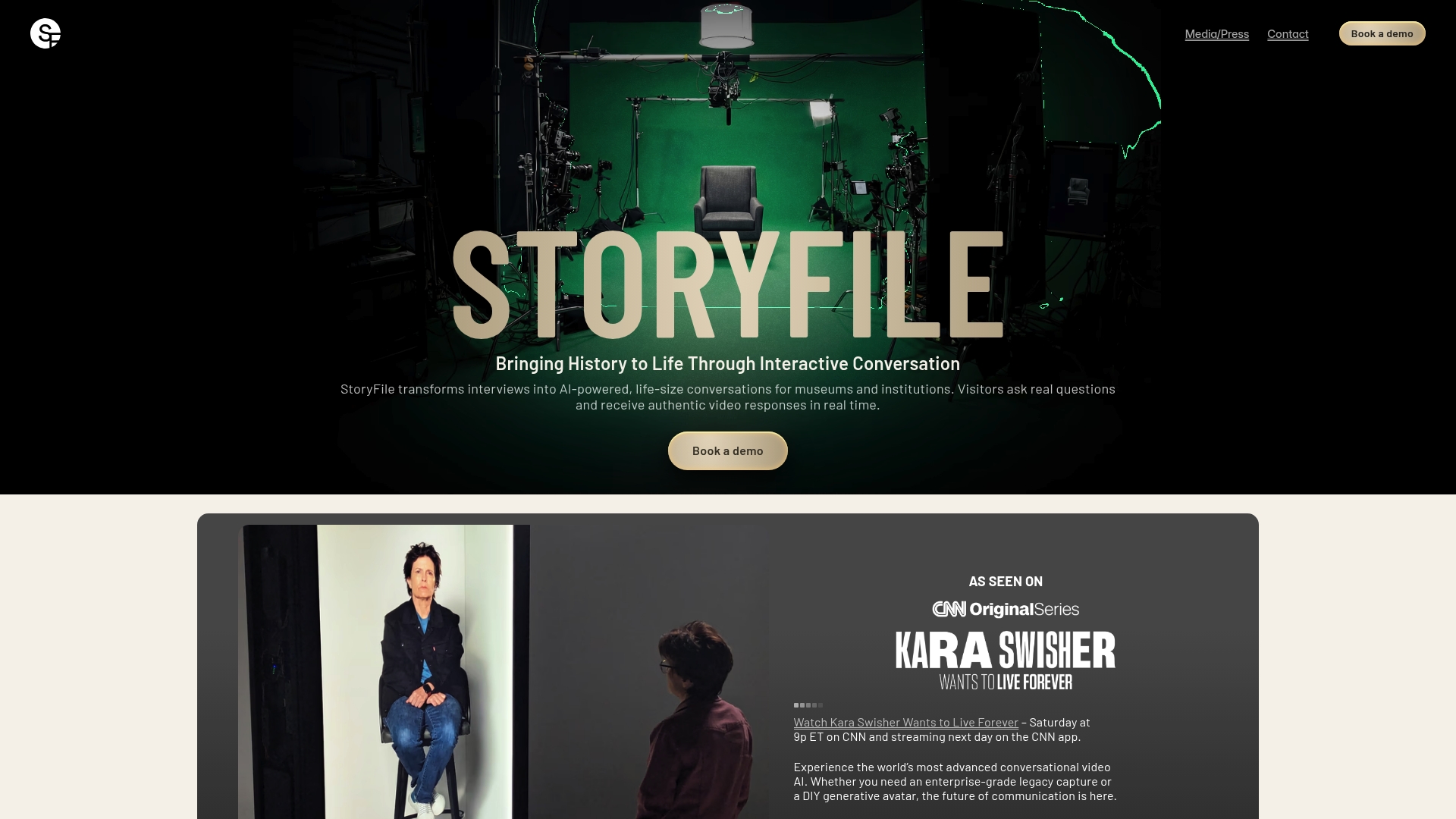
The National WWII Museum uses StoryFile to let visitors converse with digital recreations of historical figures. The platform pairs filmed interview sessions with AI driven indexing to surface relevant answers. Museums and institutions use it for legacy preservation and interactive exhibits.
Core Features
StoryFile records cinematic interview footage and links clips to an AI driven content index so questions return relevant video responses. The system supports real time question and answer interactions through digital avatars and uses structured interviews to map likely conversational paths. Memory preservation and history focused storytelling sit at the center of the feature set.
Key Differentiator
StoryFile combines professionally filmed interviews with AI indexing to create natural conversational flows. The platform uses high fidelity cinematic video to preserve tone and expression. That pairing makes responses feel less like scripted clips and more like a living exchange.
Pros
The platform enables life like digital representations that keep facial expressions and vocal nuance intact. That realism works well for museums and educational programs that need audience engagement and emotional resonance. Organizations that prioritize recorded quality will value the cinematic approach and the way the AI index maps interview responses into natural pathways.
Cons
- Pricing not publicly listed. Expect enterprise focused cost structure and custom quotes for implementation.
- Limited public detail on customization and scalability. Organizations may not find clear self service options.
- Privacy and security require careful review. Handling recorded personal data raises legal and ethical questions.
When It May Not Fit
Smaller organizations with tight budgets will likely find the enterprise pricing model a poor match. Projects that need flexible unstructured conversation will struggle because StoryFile relies on structured, filmed interviews. Teams that lack clear data governance should plan for additional privacy and consent work.
Notable Integrations
StoryFile connects with common video hosting platforms to distribute recorded experiences. It also integrates with calendar and scheduling tools such as Calendly to manage interview bookings and session logistics.
Who It's For
Museums, cultural institutions, and educational organizations that want to preserve first person stories will benefit most. Legacy groups and corporations building guided interactive tours also fit the platform. Teams that can commit to filmed interviews and a project budget will get the most value.
Real World Use Case
At the National WWII Museum visitors ask questions and receive filmed answers that reference specific moments in an interview. That interaction extends exhibit dwell time and adds personal context to historical artifacts. Curators use the platform to archive survivor testimony for future access.
Pricing
Pricing is not specified publicly and typically requires a demo or custom quote. Enterprise level implementation and onsite recording services suggest higher cost than consumer tools. Contact StoryFile for a tailored proposal and deployment options.
Website: https://storyfile.com
Comparison of alternatives
When comparing tools for preserving legacy voices and stories, differentiators like workflow simplicity and feature breadth provide contrasting benefits to users. Below, key aspects are analyzed across six leading platforms.
Privacy versus accessibility
Forevermore leads in content security through its encrypted storage and configurable access controls. These features enable families to maintain privacy across generations, a priority for sensitive legacies. However, its reliance on iOS excludes non-Apple users, a limitation for diverse family settings.
Senarra balances accessibility with its phone-call recording functionality, allowing older relatives to contribute without additional apps. While lacking Forevermore’s granular security, Senarra’s emphasis on inclusivity makes memory creation accessible for all contributors.
Feature specialization
LifeAfter AI shines in estate planning integration by combining memory tools with file organization capabilities. Users manage both personal tributes and estate documentation. Meanwhile, LastingMind provides high-fidelity voice cloning through professional sessions but requires time-heavy onboarding and incurs additional costs.
StoryFile prioritizes institutions, excelling in cinematic quality and AI-indexed conversational interactivity. While powerful for museums, this approach may exceed family-specific needs.
Best fit
- Families wanting easy phone-based recording should embrace Senarra for its straightforward call-in feature.
- Those who require encrypted privacy for sensitive stories will find Forevermore’s secure approach reassuring.
- Groups prioritizing professional voice cloning should turn to LastingMind for its accuracy-focused process.
- Households needing daily phone reassurance can rely on KindredMind to ease caregiving burdens.
- Institutions focused on cinematic interactive storytelling should select StoryFile.
Our pick
Senarra best serves families aiming to preserve diverse voices, including pets, for authentic family memory playback. Its voice cloning paired with emotional resonance features like pet personas creates a unique and meaningful archive. However, those seeking detailed estate planning alongside memory preservation might prefer LifeAfter AI’s integrated tools.
Choose the platform which aligns with your family’s memory preservation needs with specific feature sets highlighted below.
| Product | Key Feature | Who It's Best For | Pricing | Limitations |
|---|---|---|---|---|
| Senarra | Voice cloning with pet personas | Families preserving voices and narratives | Price not published | Subscription needed for advanced features |
| forevermore | Unlimited recordings with family trees | Families creating private personal archives | Price not published | Requires iOS, no physical product support |
| LifeAfter AI | Estate vault with AI document analyzer | Estate planners integrating memorials | $25–$60/month | Complex interface for those new to estate planning |
| LastingMind | Interactive personal AI for life memories | Families engaging with interactive memory AI | Subscription/Lifetime | Data privacy practices not fully detailed |
| KindredMind | Caregiver answering voice for assisted care | Families with dementia care needs | CAD $179–$449/month | Limited use for severe dementia cases |
How to Preserve Genuine Family Memories Without Complex Tech
Families seeking pontis.life alternatives often want a simple way to capture voices and stories from elders, children, and even pets without demanding apps or devices. Senarra offers a unique solution by letting relatives record treasured memories through a phone call. This eases participation for those with limited tech comfort and creates authentic timelines organized by story chapters.
Senarra captures heartfelt conversations with voice cloning and a memory line accessible via phone. It preserves the original cadence and phrasing, making memories feel alive. For families wanting an approachable way to document elders or keep pets present across generations, Senarra balances privacy with ease.
Explore Senarra features and see how you can start preserving your loved ones’ voices and stories with no complex setup. Visit Senarra now to create your first memory chapter and connect with your family's history through authentic voice recordings.
FAQ
How does Senarra capture voice profiles for memory preservation?
Senarra creates a personalized voice cloning profile using submitted recordings. This allows for preserving the conversational tone for future interactions, enhancing the authenticity of the captured memories.
What is the difference between Senarra and LifeAfter AI?
LifeAfter AI effectively combines memory creation with document organization, making it ideal for users focused on estate planning. In contrast, Senarra excels in crafting personalized voice profiles for preserving memories without the complexities of legal documents.
Can I share memories with family using Senarra?
Senarra supports family sharing and includes an Ask Senarra feature, allowing multiple relatives to contribute stories and receive combined family responses through chat or voice. This feature enhances collaborative memory preservation among family members.
What pricing options does Senarra provide for advanced features?
Senarra offers a 14-day free trial, followed by various paid tiers that unlock advanced capabilities such as voice cloning and animated video memories. Users can explore different options based on their needs after the trial period.
Which platform focuses more on audio storytelling than text-only archives?
Forevermore emphasizes a voice-first approach, allowing users to capture authentic audio stories linked to a family tree, which is not Senarra's primary focus. Senarra does allow for voice capture but does not center its features on a text archive format.