
Record your parents' voices now. That single action, which takes less than 15 minutes, preserves something no photograph or written note can replicate: the actual sound of the person you love. Here is how to start in the next 60 seconds.
Quick-start checklist:
- Open your phone's built-in voice recorder app
- Find a quiet room and set the phone face-down on a table between you
- Say: "Mom, I'd love to record you telling me about [one specific memory]"
- Press record
Detailed steps, question prompts, and long-term storage guidance follow below.
Key Takeaways
Recording your parents' voices now preserves an irreplaceable emotional and practical legacy that no photograph or transcript can replicate, and the entire process can begin in under 15 minutes with a smartphone.
| Point | Details |
|---|---|
| Start today, not someday | A 15-minute phone recording this weekend captures more than a perfect session planned for later. |
| 90% of family stories are lost | Research suggests most family narratives vanish within three generations — short, repeated sessions are the fix. |
| WAV or FLAC for the master | Save the original in a lossless format; share MP3 copies. Never distribute the master file directly. |
| Two backups, two locations | Cloud storage plus a physical drive stored separately protects against accidental loss during phone upgrades or device failure. |
| Senarra for long-term preservation | Senarra's guided interviews, voice cloning, transcription, and secure family sharing keep recordings organized and accessible for generations. |
Why recording your parents' voices matters more than you think
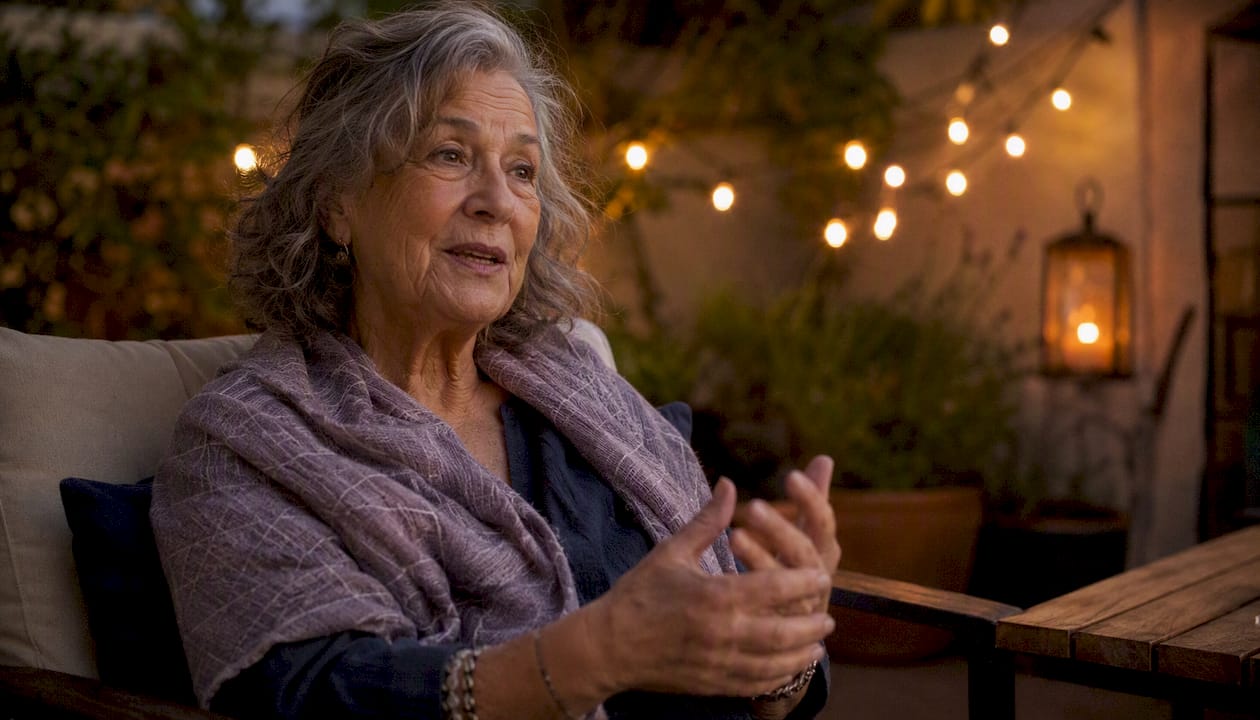
Voice carries what photos cannot. The slight rasp in your father's laugh, the way your mother's accent thickens when she's excited, the pause before she says something she really means, none of that survives in a snapshot or a written transcript. Those qualities are the emotional fingerprint of a person, and they are lost without recording.
The New York Times describes family audio recordings as "a gift to your future self," and that framing holds up. Grief researchers and family therapists consistently note that bereaved people reach for audio and video far more than photos in the months after a loss, because sound triggers presence in a way still images rarely do.
The practical benefits run alongside the emotional ones. A recorded conversation captures oral details that never make it into family trees: the name of the village your grandmother left, the recipe she never wrote down, the reason the family moved when your parent was nine. RootsTech and genealogy communities treat oral histories as primary source material precisely because they fill gaps census records and documents leave open. The stories also give heirlooms their meaning (a ring or a photograph without its story is just an object), and knowing a parent's history, preferences, and formative experiences helps the family make better decisions if they later need care.
The benefit reaches the next generation too. Emory University researchers Marshall Duke and Robyn Fivush, who direct the Family Narratives Lab, have found that adolescents and young adults familiar with family narratives show higher self-esteem, lower depression and anxiety, and a greater sense of meaning. The stories don't need to be triumphant. Struggles and failures carry as much weight as achievements.
Pro Tip: Don't wait for a "big story" session. Record your mother reading a recipe aloud, or your father leaving a birthday voicemail. Those ordinary recordings often become the most treasured ones.
Why now — signs the window is closing
Family-history research suggests that a large majority of family stories are lost within a few generations. That figure lands differently when you consider that most of what your grandparents knew about their own parents is already gone.
The window closes faster than most people expect, and memory works against you even while it's open. Every retelling reshapes a story a little: gaps get filled with plausible details, and once the chain of tellers breaks, whole threads disappear. The most common trap is reasonable postponement. The story gets told every Thanksgiving, so it feels safe. That assumption explains most of the loss.
Watch for these signals:
- A recent health event. A hospitalization, a new diagnosis, or a fall changes the timeline immediately.
- Noticeable memory changes. Early repetition in conversation, confusion about dates, or difficulty recalling names are signs to act before detail fades. (Specialized guidance on recording during cognitive decline can help.)
- A major life transition. Retirement, a move to assisted living, or a significant birthday are natural openings that also signal time passing.
- Advanced age milestones. A parent in their 70s or 80s is statistically in the window where health can shift quickly and without warning.
- You keep meaning to do it. That recurring thought is itself a signal. The intention without the action is how families lose the stories.
Common excuses, and the honest reframes:
- "It'll feel awkward." Most parents are quietly pleased to be asked. The awkwardness lasts about 90 seconds.
- "I don't have the right equipment." Your phone is sufficient. The Library of Congress uses smartphones for oral-history collection.
- "We have time." You probably have less than you think, and the recording takes 15 minutes.
How to ask your parents without making it feel like a big deal
The invitation matters as much as the recording itself. A heavy, formal ask ("I want to record you before you die") creates resistance. A warm, specific one almost always gets a yes.
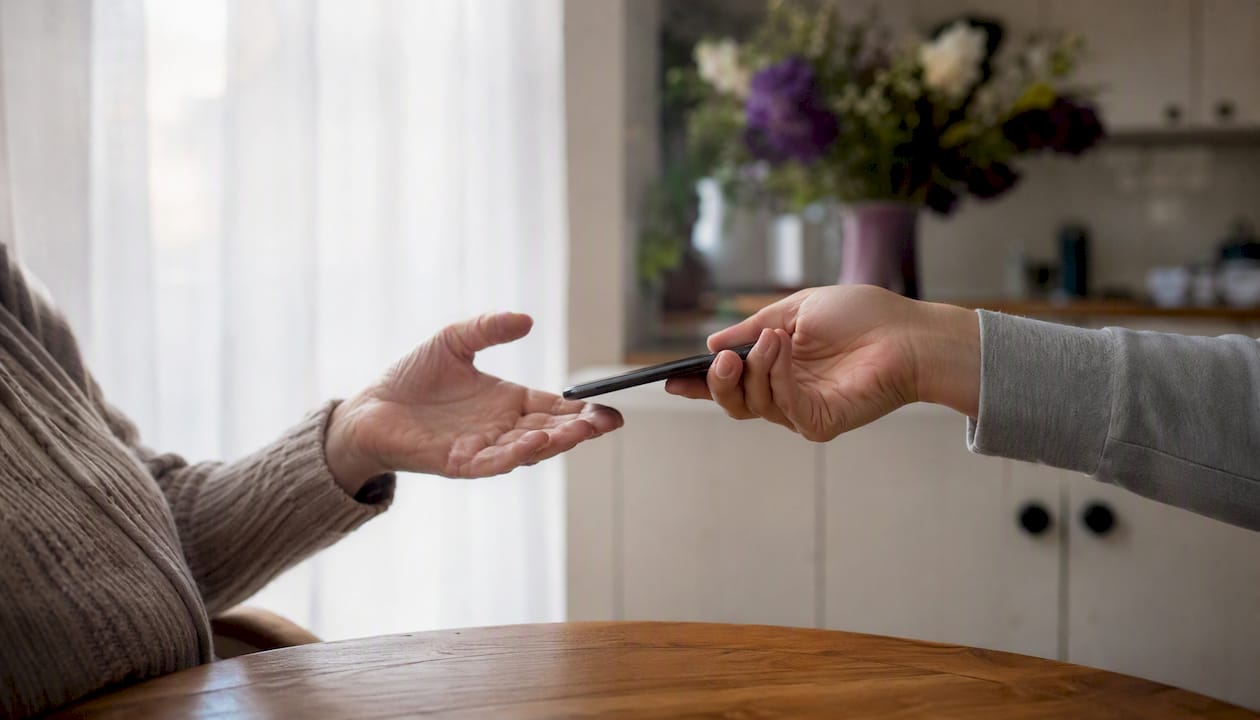
One principle: state a clear purpose, give them control, and make it feel like a conversation rather than an interview.
Three variations for different situations:
- Casual: "I'm trying to capture some family stories before they disappear. Can I ask you a few questions while I record?"
- Sentimental: "I want our kids to be able to hear your voice someday. Would you be willing to talk for a few minutes while I record?"
- Practical: "I'm putting together a family archive. Can I record you telling me about [specific event or recipe]?"
If they hesitate:
- Start without the recorder. Have the conversation first, then ask whether you can capture it next time.
- Try a phone call. A call feels less formal than a sit-down, and phone calls lower the pressure for many older parents.
- Keep it in the family. Offer to share the recording only with relatives, never publicly.
Before you press record, cover consent in plain language: confirm they're comfortable being recorded, explain who will hear it (just you, or the wider family), and remind them they can ask you to stop or delete any part at any time.
How to prepare and run a short recording session
Good recordings come from good setup, not expensive gear. A practical workflow moves through four stages: invite, prepare, record, and preserve.
Before the session:
- Choose a quiet room with soft furnishings (rugs, curtains absorb echo)
- Schedule it for a time when your parent is typically alert and relaxed, not rushed
- Bring a few physical prompts: old photos, a recipe card, a letter — these unlock stories that abstract questions don't
- Charge your phone fully and enable airplane mode to block interruptions
- Do a 30-second test recording and play it back to check audio quality
Running the session (numbered steps):
- Warm up for 5 minutes. Start with something easy and pleasant — a favorite memory, a funny story. This settles nerves and gets the voice flowing naturally.
- Move into story prompts for 10–20 minutes. Use the thematic questions in the next section. Let answers run; don't rush to the next question.
- Close intentionally. Ask: "Is there anything you'd want me to know that I haven't asked?" Then thank them specifically for what they shared.
- Save immediately. Before you put the phone down, rename the file with the date, your parent's name, and the topic.
While the recording runs, follow their lead. If they drift into a different story, let them go. Don't correct a factual error mid-story; it breaks the flow and can embarrass them. You can check the date later.
Sessions under 30 minutes consistently produce better material than marathon recordings. Oral-history practitioners recommend short, repeated sessions over a single long one — the second conversation is almost always richer than the first.
Simple technical tips and tools that actually work
Your phone's built-in recorder is genuinely good enough. Here is how to get the most out of it.
Setup basics:
- Place the phone face-down at the center of the table, roughly equidistant from both speakers. Face-down reduces handling noise and makes the device less visually distracting.
- Enable airplane mode before you start. One notification sound can ruin a quiet moment.
- Record in the highest quality setting your phone allows. Storage is cheap; re-recording is impossible.
File formats for long-term preservation:
| Format | Best for | Why |
|---|---|---|
| WAV | Master archive copy | Uncompressed; no quality loss over time |
| FLAC | Archive with smaller file size | Lossless compression; widely supported |
| MP3 | Sharing with family | Smaller file; plays on any device |
Save your master in WAV or FLAC. Share copies as MP3. Never use the master for sharing — always work from a duplicate.
Free editing tools:
- Audacity handles noise reduction, trimming, and volume normalization at no cost. It runs on Windows, Mac, and Linux.
- GarageBand (Mac/iOS) works well for light cleanup and is already installed on Apple devices.
Backup checklist:
- Copy the master file to cloud storage (Google Drive, iCloud, or Dropbox) immediately after the session
- Copy it to a physical drive or USB stick as a second independent backup
- Store the physical copy somewhere other than your home if possible
Pro Tip: When you upgrade your phone, your voice memos app may not transfer automatically. Before any phone upgrade, manually export every recording to cloud storage and confirm the files open correctly on the new device.
Question prompts to guide a real conversation
Avoid open-ended openers like "Tell me about your life." They freeze people. Specific, sensory questions unlock stories. So does phrasing: "Do you remember when...?" feels like a memory test, while "Tell me about a time when..." feels like an invitation. Yes/no questions close a conversation down.
Objects help most of all. Instead of "Tell me about your childhood," try "Tell me about the kitchen table in the house you grew up in." Asking about a single object gives the storyteller a foothold that broad questions don't.
Capture the things only they say:
- A few minutes of ordinary talk ("What did you do yesterday?"). How they sound matters as much as what they say.
- Signature phrases: "What's something your mother or father always used to say?" Then listen for the ones your parent always says.
- Songs and lullabies. Music memory often outlasts other recall.
- Recipes told aloud, including who taught them and how they describe making the dish.
Childhood and family:
- What's the earliest memory you can picture clearly?
- What did your home smell like when you were a kid?
- Who in your family were you most afraid of, and why?
- What did your parents argue about?
Work and purpose:
- What's the job you're most proud of, and what made it hard?
- Was there a moment you almost quit something important?
- What did you wish you'd done differently in your career?
Migration, identity, and place:
- What do you miss most about where you grew up?
- Was there a moment you felt like you truly belonged somewhere?
- What did you give up to get where you are?
Love and relationships:
- How did you know you wanted to marry [partner's name]?
- What's the hardest thing you've done for someone you love?
- What do you wish you'd said to someone who's gone?
Regrets and advice:
- What do you know now that you wish you'd known at 25?
- Is there something you never got to do that still bothers you?
- What would you want your grandchildren to understand about your life?
Aim for two to three questions per 15-minute session. Let the conversation breathe. A long pause is not a problem — it usually means something real is coming.
What to do after the recording
The recording is only preserved once it exists in at least two places. Most recordings are lost not to technical failure but to neglect in the 24 hours after they're made.
Immediate steps (do these before you sleep):
- Rename the file: use the format YYYY-MM-DD\ParentName\Topic (e.g., 2026-03-15\MomEleanor\Childhood).
- Save a master copy to cloud storage and a second copy to a physical drive.
- Add a short text note alongside the file: who was recorded, who asked the questions, where the session took place, and any context that won't be obvious in five years.
- Add a line to a master index, a simple spreadsheet or text file listing every recording, its location, and what it covers. It turns a pile of files into an archive someone can search.
- Schedule the next session within two weeks.
Transcription options:
- Automated: Otter.ai and Google's transcription tools produce a rough transcript in minutes. Accuracy varies with audio quality and accent.
- Human transcription: Services like Rev.com cost more but handle accents, crosstalk, and emotional pauses far better. Worth it for a long or complex session.
Transcripts make recordings searchable and accessible to family members who are hard of hearing. They also serve as the raw material for family history projects — books, memorial tributes, and genealogical records.
Sharing guidelines:
- Share copies, never the master file
- Ask your parent before sharing with extended family, especially if sensitive topics came up
- FamilySearch allows you to attach audio files directly to family tree entries, which keeps recordings connected to the people they document
For long-term archiving, the Library of Congress Veterans History Project recommends duplicating masters, using durable file formats, and storing copies in separate physical locations — guidance that applies equally to family oral histories. Keep a printed transcript alongside the digital files too; paper survives format changes that files don't.
Over the first year:
- Invite a sibling or cousin to listen and add their own fragments or corrections.
- Branch out to aunts, uncles, and older family friends who knew your parents young.
- Compile the strongest recordings and transcripts into a printed booklet or PDF to share at a family gathering. Printed pages get read aloud and passed around in ways a shared folder rarely does.
- Pick an annual check-in, tied to a holiday or birthday, to add new recordings and re-check the backups.
Consent, privacy, and a quick U.S. legal note
Consent is both an ethical and a legal matter. Get it clearly before you press record.
Best practices:
- Ask explicitly and state your intended use ("I'd like to record this and share it with our immediate family")
- Offer your parent a copy of the recording
- Tell them they can ask you to delete any portion at any time
- If sensitive topics come up unexpectedly, pause and check in before continuing
- Agree on which topics are off-limits, whether edited clips or transcripts can be made, and what should happen to the recordings after they're gone
- Record the consent conversation itself as the first minute of the session, in their own words, so there's no uncertainty later
- For stories involving other living people, consider whether sharing could cause harm before you pass them on
U.S. legal note: Recording laws vary by state. Federal law and most states require only one-party consent, meaning you can legally record a conversation you're part of. However, a handful of states — including California, Florida, and Illinois — require all parties to consent before recording. Check your state's law before recording, and especially before sharing a recording outside the immediate family.
Pro Tip: Never post a recording publicly (social media, YouTube, a podcast) without explicit, recorded consent from your parent. A private family archive and a public post are legally and ethically different situations.
Why research and personal experience both confirm this matters
The emotional case for capturing parent memories is not sentimental wishfulness. It is backed by consistent evidence from oral-history practitioners, grief researchers, and the people who have actually done it.
A first-person account in The Globe and Mail describes rediscovering a decade-old recording of a parent's voice and the immediate, visceral impact of hearing it again — followed by the urgent realization that the file needed to be duplicated and stored safely. That pattern repeats across nearly every account of voice-recording rediscovery: the emotional hit comes first, then the practical scramble to protect what almost wasn't there.
The Library of Congress treats oral histories as primary historical documents for exactly this reason. Tone, pacing, and dialect carry information that written summaries strip out. A transcript of your mother describing her immigration tells you what happened. The recording tells you how it felt to live it.
The case for starting with one 15-minute session
Most people who intend to record their parents never do it because they imagine a formal project: a camera, a script, a dedicated afternoon. That framing is what stops them.
A single 15-minute phone recording, made this weekend, is worth more than a perfect session planned for someday. The benefits of audio memory preservation compound over time — each short session adds texture and detail the previous one didn't capture. The goal is not a documentary. It is a habit.
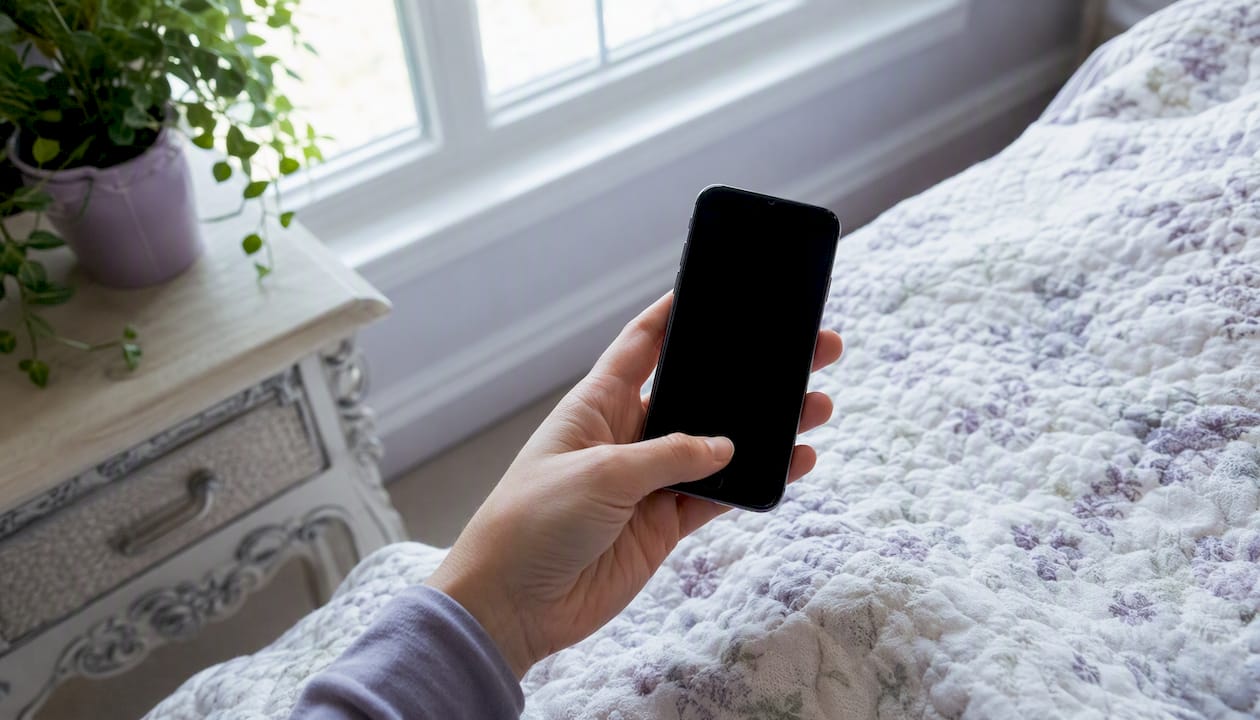
Start with one session. Build from there.
FAQ
Why record my parents now instead of later?
Memory fades and reshapes itself with time, and illness or loss can remove the chance without warning. The sensory and emotional details that make a story vivid are the first to go, so recording now keeps the fullest version.
Do I need to be a good writer or have special equipment?
No. A phone recording at the kitchen table holds as much emotional and legacy value as a polished memoir, and it captures voice, tone, and feeling that no written summary can.
How do family stories benefit children?
Research from Emory University's Family Narratives Lab found that young people who know their family history report higher self-esteem and lower depression and anxiety. Stories of struggle count as much as stories of success.
Senarra makes long-term voice preservation simple
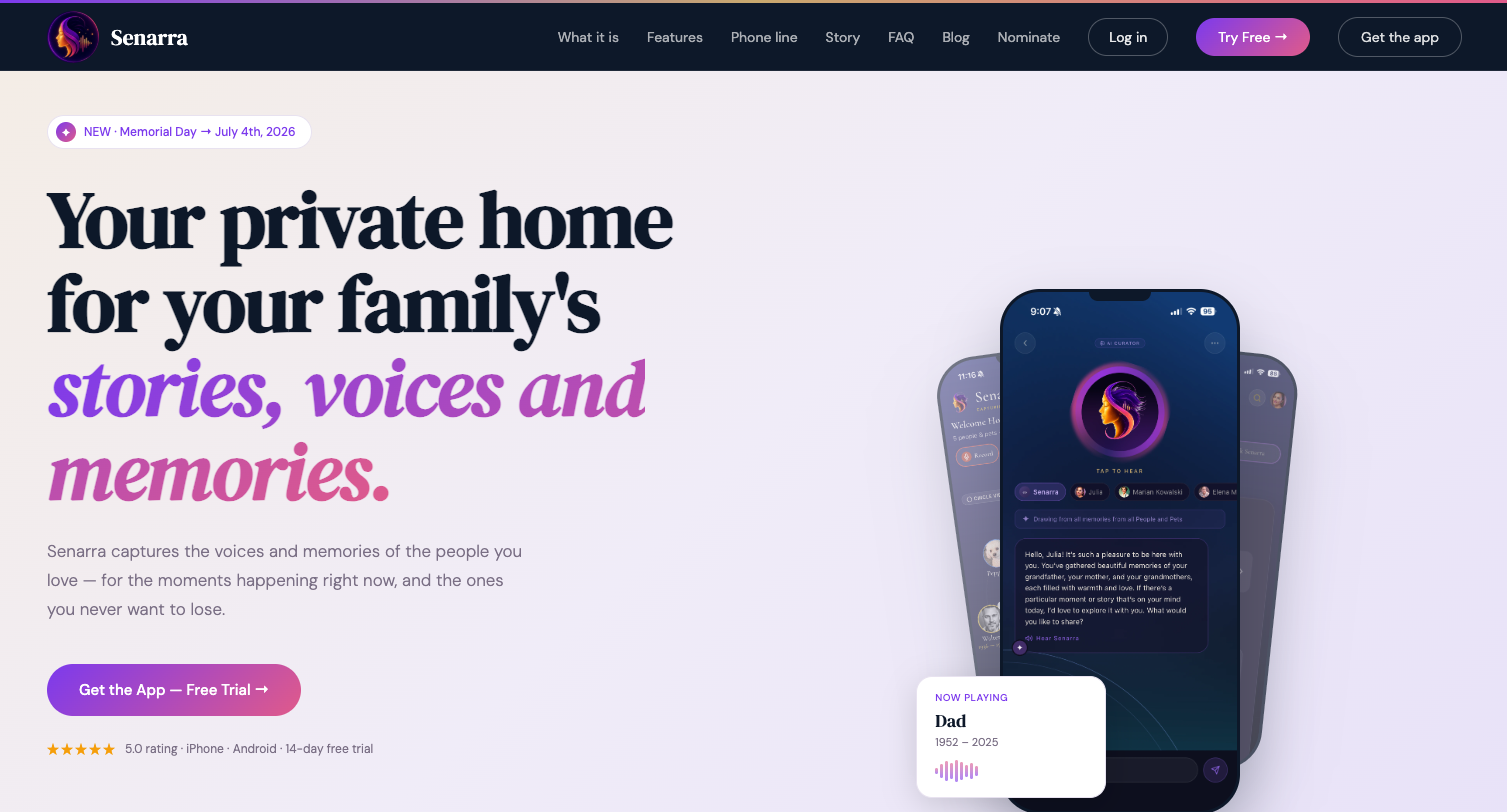
Recording your parents is the first step. Keeping those recordings organized, accessible, and safe for decades is where most families fall short. Senarra is built specifically for that second problem.
Where a phone folder gets lost in upgrades and a USB drive sits forgotten in a drawer, Senarra keeps voice memories structured and searchable. Its guided interview feature prompts meaningful questions so you never run out of things to ask. Voice cloning lets you hear a loved one's voice again through a memory line accessible by phone. Transcription, family sharing, and secure backup are built in, not bolted on.
What Senarra offers this reader directly:
- Guided interview prompts for natural, flowing conversations
- Voice cloning and memory-line playback accessible by phone
- Automatic transcription and metadata organization
- Secure family sharing with access controls
- Animated video memories and pet memories for a complete legacy
Try Senarra free for 14 days at Senarra and start your first guided session today.
Sources
- Library of Congress — Veterans History Project: Tips for Collecting Oral Histories
- New York Times — Recording a Family Member is a Gift to Your Future Self
- Tell Me Your Story — How to Preserve Family Stories Before It's Too Late (2026)
- Audacity — Download