A Senarra memory timeline is an AI-powered, chronological collection of a person's recorded text, audio, photos, and video, complete with voice-cloned playback that lets you hear them again in their own words. You don't need a big plan to begin. Three fast starters:
- Record a 60-second milestone clip: a birthday message, a graduation blessing, or a wedding toast.
- Capture a "daily voice snapshot": someone describing their morning coffee ritual or their opinion on the weather.
- Save a ritual greeting: how they answer the phone, their bedtime saying, their signature joke.
Each entry becomes part of a searchable, playable record you and your family can return to for years.
The value isn't just storage. It's the ability to press play and hear a real laugh, a real pause before a joke lands, a real voice saying your name.
Start with one clip today at Senarra.
Key Takeaways
A memory timeline works best when it combines short, frequent recordings with clear consent practices and defined family roles for upkeep.
| Point | Details |
|---|---|
| Start small, start now | A single 60-second milestone clip is enough to begin a working timeline. |
| Mix entry types | Blend milestones, everyday voice moments, rituals, and pet memories for a fuller picture. |
| Consent comes first | Document voice-cloning consent in the app while the person can still give it. |
| Assign family roles | Designate a recorder, curator, privacy steward, and playback host to avoid stalled projects. |
| Use Senarra to structure it | Senarra's guided interviews, voice cloning, and family collaboration turn scattered recordings into one organized, playable timeline. |
What Are Memory Timeline Ideas That Actually Work in Senarra?
The memory line is Senarra's core feed: a running, chronological view of everything you've saved, whether that's a photo, a short audio note, a written memory, or a video clip. Items appear in the order they happened (or the order they were recorded), and you can scroll through it the way you'd flip through a family album, except this one talks back.
A few features do most of the heavy lifting:
- Guided interviews walk a person through structured questions so they don't face a blank "record now" button.
- Voice cloning turns saved audio into a synthetic voice you can use for future playback and conversation.
- Voicemail import and transcription pull in messages already sitting on a phone, turning old voicemails into permanent timeline entries.
- Family collaboration lets multiple relatives add to the same timeline from their own devices.
- Animated video memories bring photos to life with movement and narration.
A timeline is only as rich as what goes into it. Five minutes of guided interview footage often outlasts years of scattered text messages.
Setup takes minutes: open the app, start a guided interview or upload existing audio, and the memory line begins filling in automatically.
What Should You Actually Record for a Memory Timeline?
The hardest part of starting a memory timeline isn't the technology. It's deciding what's worth saving. Organizing ideas by purpose makes the decision easier, because you're not just recording randomly. You're building toward something specific: legacy, comfort, caregiving continuity, or family history.
Legacy and milestones. Record a two-minute audio reflection on a wedding day, the birth of a child, or a career turning point. A parent or grandparent should do this one personally, in their own words, because the phrasing matters as much as the facts. These entries anchor the entire timeline and usually get replayed the most.
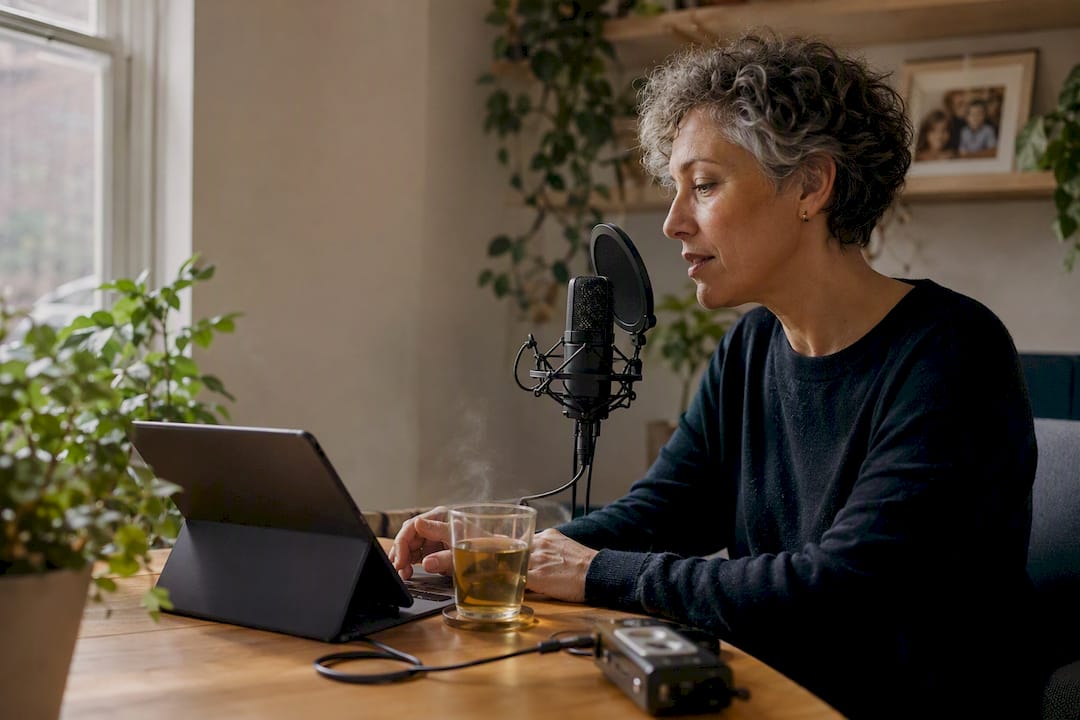
Everyday voice moments. Not everything needs to be profound. A 30-second clip of someone describing what they're cooking, complaining about traffic, or narrating a walk with the dog captures cadence and personality better than any formal interview. Anyone in the family can record these, and shorter is better here: aim for under a minute.
Rituals and holidays. Save the exact words of a holiday toast, a grace before dinner, or a birthday song, recorded live during the actual event. These are time-sensitive: catch them once a year for a few years and you build a comparison across time that photos alone can't offer.
Messages to the future. A written or spoken note addressed to a grandchild's future graduation, wedding, or hard day. These work best recorded privately, one sitting, three to five minutes, because they're meant to be found later, not polished.
Caregiving and health notes. Short text or audio entries logging preferences, routines, or comfort items matter for anyone managing a loved one's care. A caregiver or family member can log these weekly.
Pet memories. Bark, meow, favorite walk route, the sound of a leash jingling. Include one clip and one photo per pet.
Oral-history vignettes. A 90-second story about where the family came from, told by the oldest living relative who remembers it firsthand.
Five quick actions to start today:
- Record one milestone clip under two minutes.
- Import three old voicemails through Senarra's transcription feature.
- Ask one relative to record a 30-second "everyday voice" clip.
- Write and save one message to the future.
- Photograph and voice-tag one pet memory.
How Do You Record High-Quality Timeline Entries?
Audio quality shapes how well voice cloning works later, so a few habits pay off. Record in a quiet room, away from fans, traffic, or echoing hallways. Hold the phone six to twelve inches from the speaker's mouth rather than propping it across the room. Short clips (30 to 90 seconds) tend to get finished; long, open-ended recording sessions often stall out because nobody knows when to stop. Name and timestamp files as you go, so a decade from now nobody's guessing whether "Mom\audio\3" was from 2019 or 2024.
Senarra's guided interviews solve the "what do I even say" problem by feeding structured prompts one at a time. If you're recording without that structure, borrow from this bank:
- "What's a smell or sound that instantly takes you back to your childhood home?"
- "Tell me about the day I was born, in your own words."
- "What's one piece of advice you'd want your grandchildren to remember?"
- "Describe the happiest ordinary Tuesday you can remember."
- "What's something you've never told anyone in the family?"
Pro Tip: Before an emotional recording session, say out loud that it's okay to pause. Consent and comfort matter more than finishing in one take. Save a draft, walk away, and come back later. Nothing on the timeline needs to be perfect on the first attempt.
How Do You Organize and Play Back a Memory Timeline?
Senarra lets you view entries chronologically, the way they happened, or thematically, grouped by milestone, person, or occasion. Chronological view suits oral-history projects where sequence matters. Thematic view suits families who want a "greatest hits" playback for a specific event, like a memorial gathering.
Tags do the real organizational work: tag entries by person, relationship, and milestone type so a grandchild can filter for "just Grandpa's voice" or "just holiday stories" years from now.
A practical workflow looks like this:
- Capture the raw audio, photo, or video.
- Tag it by person and category.
- Transcribe it (automatic in most cases).
- Approve it for voice cloning if it will be used in future playback.
- Schedule it for playback on a relevant anniversary or holiday.
Playback should feel curated, not accidental. A five-minute sequence chosen with intention, for a birthday or a memorial, carries more weight than an unsorted archive nobody wants to scroll through alone.
Privacy settings control who can listen, who can add new material, and whether voice-cloned conversation is enabled for specific family members. Set those boundaries before, not after, sharing access widely.
Is It Okay to Voice-Clone a Loved One?
Consent comes first, always. The person being recorded should explicitly agree to voice cloning while they're able to, and that preference should be documented in the app rather than assumed by a well-meaning relative. When someone can no longer consent, decisions default to whoever holds legal authority for their affairs, and that person should weigh the deceased's known wishes heavily.
A small performance evaluation of a voice-cloning memorial system found voice naturalness scored 4.2 out of 5 and perceived comfort scored 4.1 out of 5 among participants, though the sample was limited and shouldn't be read as proof the experience feels natural for everyone. Mental-health professionals caution that interacting with realistic, voice-cloned material can be emotionally intense and recommend approaching it in stages rather than all at once. A systematic review of digital afterlife technologies also found that cultural background shapes how comfortable people feel with these tools, so what feels healing to one relative may feel unsettling to another.
- Document consent inside the app when the recording happens, not after the fact.
- Set time limits on early interactions rather than open-ended access.
- Build in an easy opt-out for any family member who isn't ready.
Pro Tip: If a voice-cloned conversation ever feels like more than you can process alone, treat that as a signal to loop in a grief counselor, not a reason to stop using the timeline entirely.
How Should a Family Roll Out a Shared Memory Timeline?
Getting a whole family on board works better with a plan than with a group text announcing "everyone add memories now."
- Pick one person to record the first three entries and share them with immediate family.
- Invite two or three relatives to add their own clips within the first month.
- Set a recurring reminder (quarterly works well) to add new entries.
Assign informal roles so nobody assumes someone else is handling it: a recorder who captures new material, a curator who tags and organizes, a privacy steward who manages sharing permissions, and a playback host who chooses sequences for gatherings.
For upkeep: back up new entries monthly, take an archival snapshot twice a year, and hold one "memory drive" annually, ideally around a holiday, where the whole family adds a few new clips together.
Why We Built Senarra's Timeline Features This Way
We built guided interviews and voice cloning to lower the barrier between "I should record this" and actually doing it, because grief doesn't wait for someone to feel ready. Family collaboration exists because memory belongs to more than one person. None of this replaces grieving, therapy, or time. A timeline is a bridge back to a voice, not a substitute for the people who miss it.
Ready to Start Your Own Memory Timeline?
Senarra gives you a voice-preserving memory timeline you can start building in minutes, not months, with a free trial that gets you recording today instead of someday. When you sign up, expect guided interviews that make recording easy even for reluctant relatives, voice cloning that turns saved audio into playback you can return to, and family collaboration so the timeline grows from more than one person's memory.
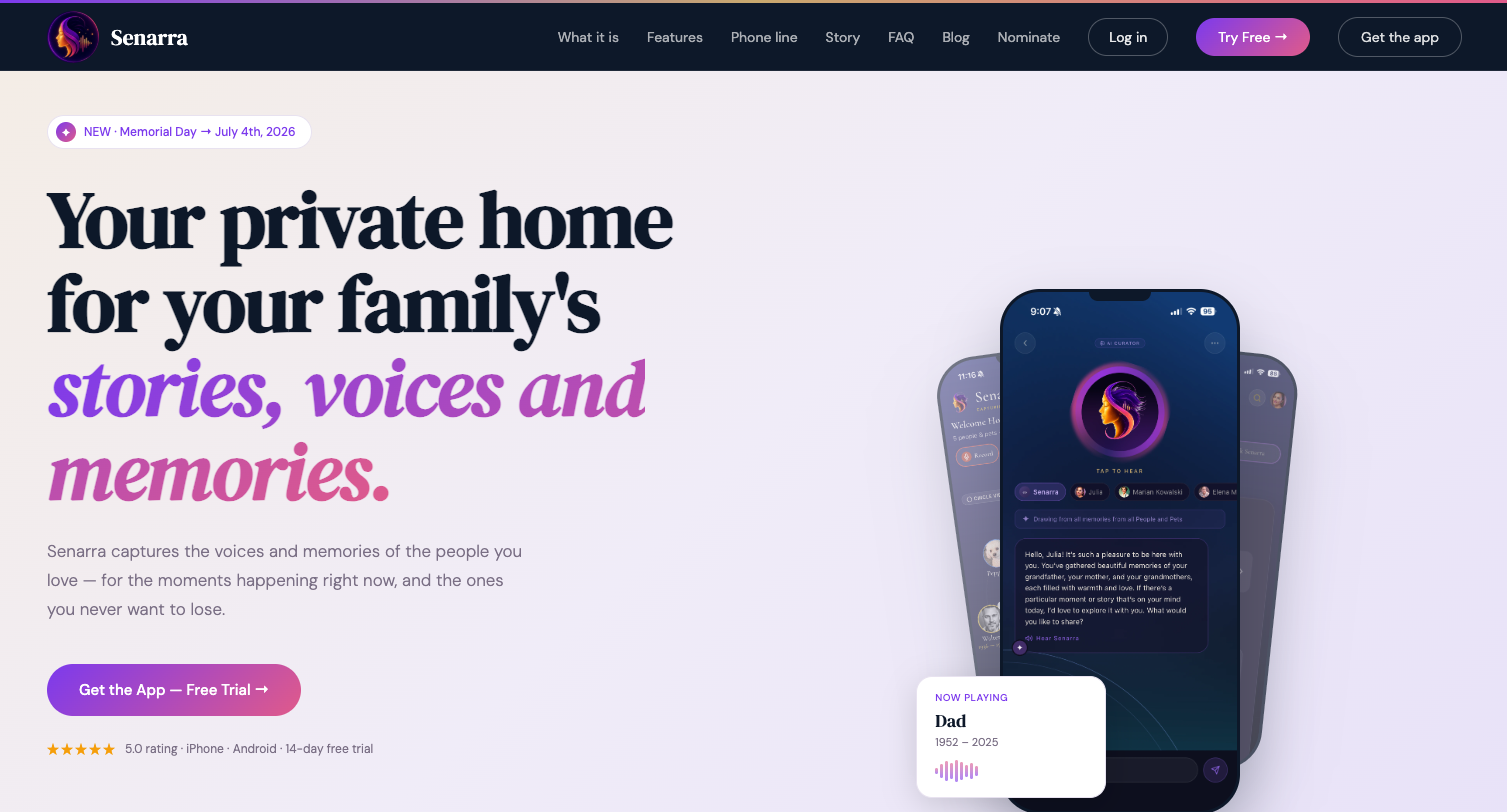
If your family has been meaning to record Grandpa's stories or save Mom's voicemails before they disappear, the moment to start is now. Start your free trial at Senarra and add your first entry today.
Research and Resources Behind This Guide
- IJET voice-cloning performance study: naturalness and comfort scores for AI voice-cloned playback.
- Systematic literature review, ScienceDirect: cultural and ethical factors in digital afterlife acceptance.
- Mental-health guidance, PMC: emotional-safety recommendations for grief-related AI interaction.
- CHI 2025 "Generative Ghosts" proceedings: design principles for accommodation-focused AI afterlife tools.
- BBC reporting on AI deathbots: real-world user experiences and technical limits.
Frequently Asked Questions
What's the difference between a memory timeline and a regular photo album? A memory timeline combines text, audio, photo, and video in one chronological or thematic feed, and it can include voice-cloned playback so you hear the person's actual voice, not just see their picture.
How many entries does a good memory timeline need to start? Three to five short entries are enough to start seeing value. Milestone clips, one everyday voice moment, and one ritual recording give you a solid foundation to build on.
Can more than one family member add to the same timeline? Yes. Senarra's family collaboration feature lets multiple relatives contribute from their own devices, which keeps the timeline from depending on just one person's memory or effort.
Is voice cloning appropriate for someone who's still living? Many families start recording and cloning a loved one's voice while they're alive specifically so consent is clear and the resulting playback reflects choices the person made themselves.
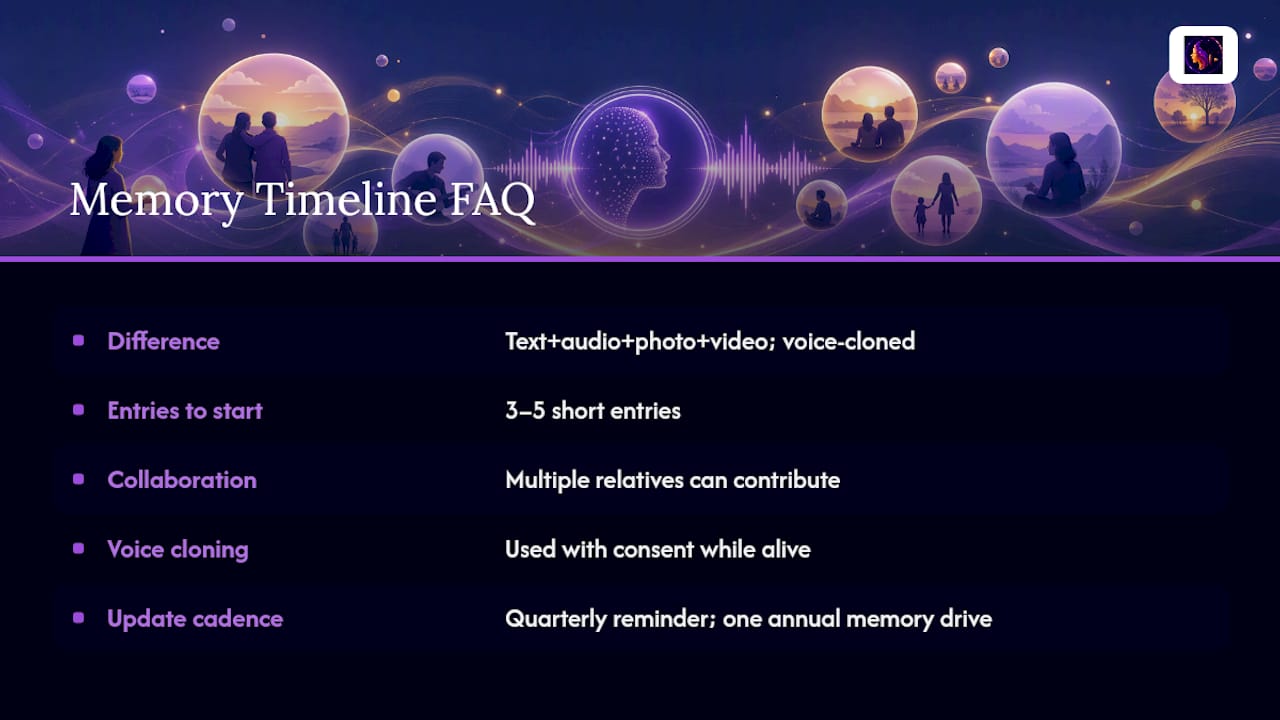
How often should a family update their memory timeline? A quarterly reminder to add new entries, plus one larger annual "memory drive" around a holiday, keeps most timelines current without feeling like a chore.
Sources
- MemorialBot: Voice Cloning And Personality-Driven Conversational Framework For Post-Humous Digital Interaction And Grief Support | IJET
- Ethical and psychological implications of generative AI in digital afterlife technologies: A systematic literature review on responsible inclusive innovation
- Mental-health professional guidance on interactive digital audio and grief (PMC)
- I turned myself into an AI-generated deathbot - here's what I found | BBC