Yes. Current voice cloning and conversational AI tools can preserve how your pet sounded and how it "acted" in conversation, and you can start building that record today. The first move isn't choosing software. It's collecting the raw material before it slips away.
Before you research a single tool, gather this:
- Audio clips — barks, chirps, any verbal cues, even you narrating stories in the room where your pet slept.
- Photos and video — capture posture and context that pure audio misses.
- Short stories — three sentences about a habit or quirk are worth more than a paragraph of vague affection.
Start a folder tonight, back it up to the cloud, and text your family asking them to drop in their own clips and memories.
Key Takeaways
A digital pet memorial works best when clean source recordings, human-reviewed voice cloning, and clear consent and deletion policies all happen before anything gets published.
| Point | Details |
|---|---|
| Collect first | Gather audio, photos, and short behavioral stories before choosing any tool. |
| Human review matters | Read or listen to generated outputs before sharing; don't publish unreviewed responses. |
| Consent isn't optional | Get permission from anyone whose voice or story appears in the memorial. |
| Match format to need | Pick phone lines, app chat, or physical keepsakes based on how you actually want to interact. |
| Senarra maps to the workflow | Senarra pairs guided recording prompts and human-reviewed voice cloning with exportable backups and deletion controls. |
How to memorialize a pet's voice and personality digitally
Memorializing a pet's voice and personality digitally usually takes one of five shapes, and each produces a different feeling.
- Voice-cloned chatbots recreate tone and cadence, then respond in a text or app chat modeled on your pet's documented habits.
- Audio guestbooks let family call a number and leave a message, building a chorus of memories around your pet rather than just its own sound.
- Voice-enabled keepsakes, like a custom figurine with embedded audio, give you something to hold and tap.
- QR-linked soundwave art turns a specific recording, a bark or a favorite squeak toy sound, into a printed waveform you scan to replay.
- Text-based persona chat skips voice entirely and simulates "how they'd respond" through written personality traits.
Pro Tip: If you want it to feel like your pet is there, prioritize voice playback over conversational chat. Personality-driven chatbots are impressive, but the emotional hit usually comes from hearing the actual bark or the actual voice note, not from reading a generated response.
What you need before you build a voice memorial
The quality of any memorial depends entirely on what you feed it. Aim for these before touching a single app:
- Raw audio, ideally several 10 to 30 second clips, recorded in a quiet room with minimal echo.
- Photos and short video, especially candid ones that capture personality, not posed shots.
- Behavioral notes, three or four specific quirks (how they greeted you, what made them bark, a favorite spot).
- Metadata, the date, who recorded it, and where, so the timeline stays straight later.
- Contributions from others, with a quick heads-up that you're building a memorial and asking permission before you use their voice or stories.
Skip anything involving another person's private conversations or sensitive personal details picked up incidentally in a recording. Consent matters even when the contributor is a close friend.
Step-by-step: building a memorial you actually control
Building an interactive memorial is closer to organizing a scrapbook than programming software, if you follow the order.
- Collect first, decide later. Pull every recording and photo into one dated folder before you pick a tool.
- Choose a privacy-first provider. Check for a clear deletion policy and export options before uploading anything irreplaceable.
- Upload and label. Name files by context ("Max\barking\backyard\_2024") so the system, and you, can find the right clip later.
- Review the trained voice or persona. Listen critically. Flag anything that sounds off before sharing it with family.
- Set boundaries. Decide who can access it, whether it's public or private, and how long you want data retained.
- Invite family to add memories. Give relatives a way to contribute their own recordings and stories.
- Export and back up. Save a raw copy of everything outside the platform, not just inside the app.
A MemorialBot evaluation combining speech recognition, a retrieval-augmented language model, and voice cloning found persona consistency rated high and voice naturalness received positive evaluations by participants, but only with human review built into the process.
Pro Tip: Treat the first week of outputs as a draft, not a finished product. Read every generated response before sharing it with family, and set a hard rule: nothing gets published publicly until you've personally approved it.
Ethics, privacy, and emotional safety come first
Consent, privacy, and emotional safety deserve the same weight as the technology itself, according to Columbia's bioethics research on AI memorials. That framing matters because it's tempting to treat this as purely a technical project when it's really a grief project wearing a technical disguise.
Before you publish or share anything, run through this:
- Consent collected from anyone whose voice or story appears in the memorial.
- A retention and deletion policy you understand and control.
- An opt-out option for family members who don't want to participate or want out later.
- Data export available, so you're never locked into one platform.
Grief research context: peer-reviewed bereavement literature shows memorial practices and keepsakes shape how people process loss, which is exactly why ethical guardrails aren't optional add-ons. The same MemorialBot evaluation cited above reported perceived comfort was reported as favorable, but that evaluation came from a controlled, human-reviewed setup, not an unsupervised chatbot left to improvise.
Matching the format to the experience you want
Different formats fit different moments of grief, and picking the wrong one for the occasion tends to feel hollow.
- Phone memory line: good for a call-in ritual, especially on anniversaries.
- App chat: best for on-demand, private conversations.
- QR-linked voice playback: works well on a soundwave canvas or keepsake you display at home.
- Voice-enabled figurine: a tactile option for kids or anyone who processes grief through touch.
- Audio guestbook: ideal for collecting family voices rather than just your pet's.
Pro Tip: Always keep the raw audio exports separate from whatever platform produces the final voice model. Formats change, apps shut down, but a clean original recording lets you rebuild in a new format later.
What it costs and how long it takes
Pricing splits into three shapes: free DIY tools using your own recordings, pay-per-feature services charging for specific outputs like a tribute song generated from a short voice sample, and subscription platforms bundling storage with more advanced voice tuning.
Timeline depends on scope. Gathering material takes hours to a couple of days. Processing and initial voice training usually finishes within days. Physical keepsakes or heavily reviewed conversational personas can take one to three weeks, largely because of the human review step that keeps quality high.
- Main cost drivers: how much manual review you want, voice training complexity, custom physical items, and long-term storage needs.
Is this the right time for you?
Ask yourself honestly: are you seeking comfort, or trying to avoid feeling the loss at all? Both are human, but only one benefits from this kind of project right now.
- Do you have friends, family, or a grief counselor supporting you outside the app?
- Are you using this as one tool among several, not a replacement for processing grief?
Watch for warning signs: checking the memorial compulsively, avoiding other grief work entirely, or family conflict over whether it should exist.
Pro Tip: Treat the collecting phase itself as the ritual. Set a review window, a week, a month, before deciding whether to make anything public.

How Senarra fits into this process
Senarra was built around exactly the workflow above: guided recording prompts walk you through capturing voice and stories, human-reviewed voice cloning keeps outputs accurate instead of uncanny, and family collaboration tools let relatives add their own memories to the same pet's profile.
- Guided prompts replace the guesswork of "what should I record."
- Exportable backups mean your raw material never gets locked into one app.
- Retention and deletion controls put you in charge of how long anything stays stored.
- Opt-out choices for contributors, so consent isn't an afterthought.
The memory preservation app handles the technical review step that research keeps flagging as essential, so you're not left second-guessing whether a generated response actually sounds like your pet.
A note on why this work matters
Grief doesn't wait for perfect technology, and neither should the people going through it. Responsible memorial tools take that seriously by treating consent and emotional safety as part of the build, not an afterthought bolted on later. Senarra's approach to voice preservation grew out of exactly that priority.
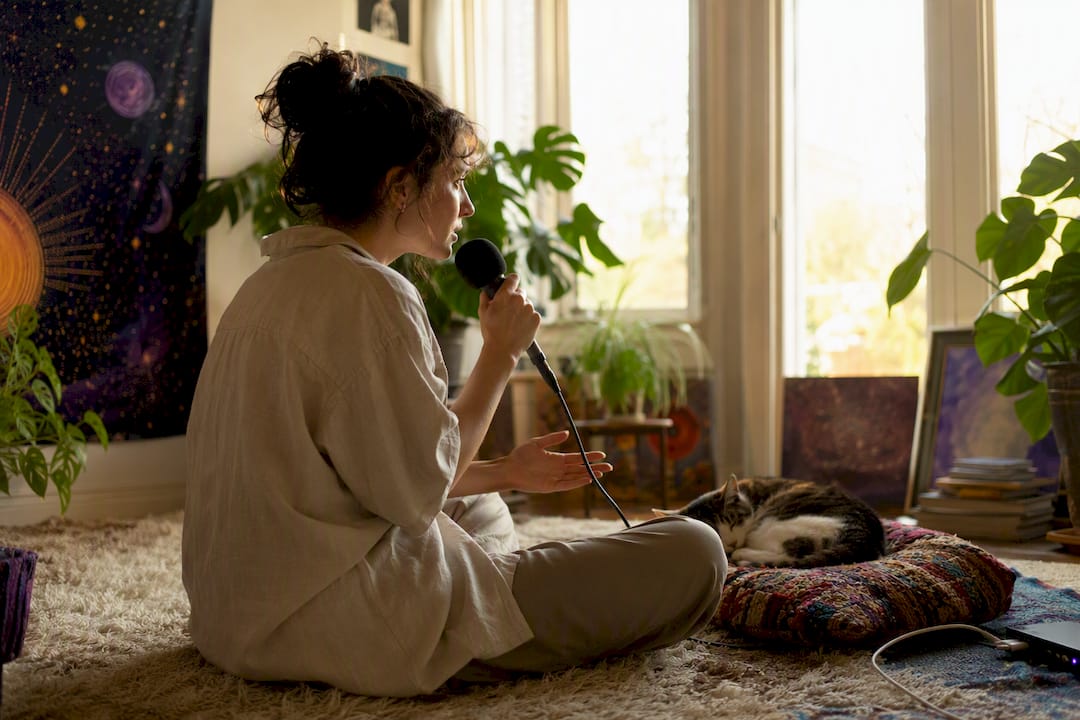
Try Senarra: two recordings, one free trial
Start small tonight: pull two clean audio clips and a handful of photos into a folder. That's genuinely enough to begin.
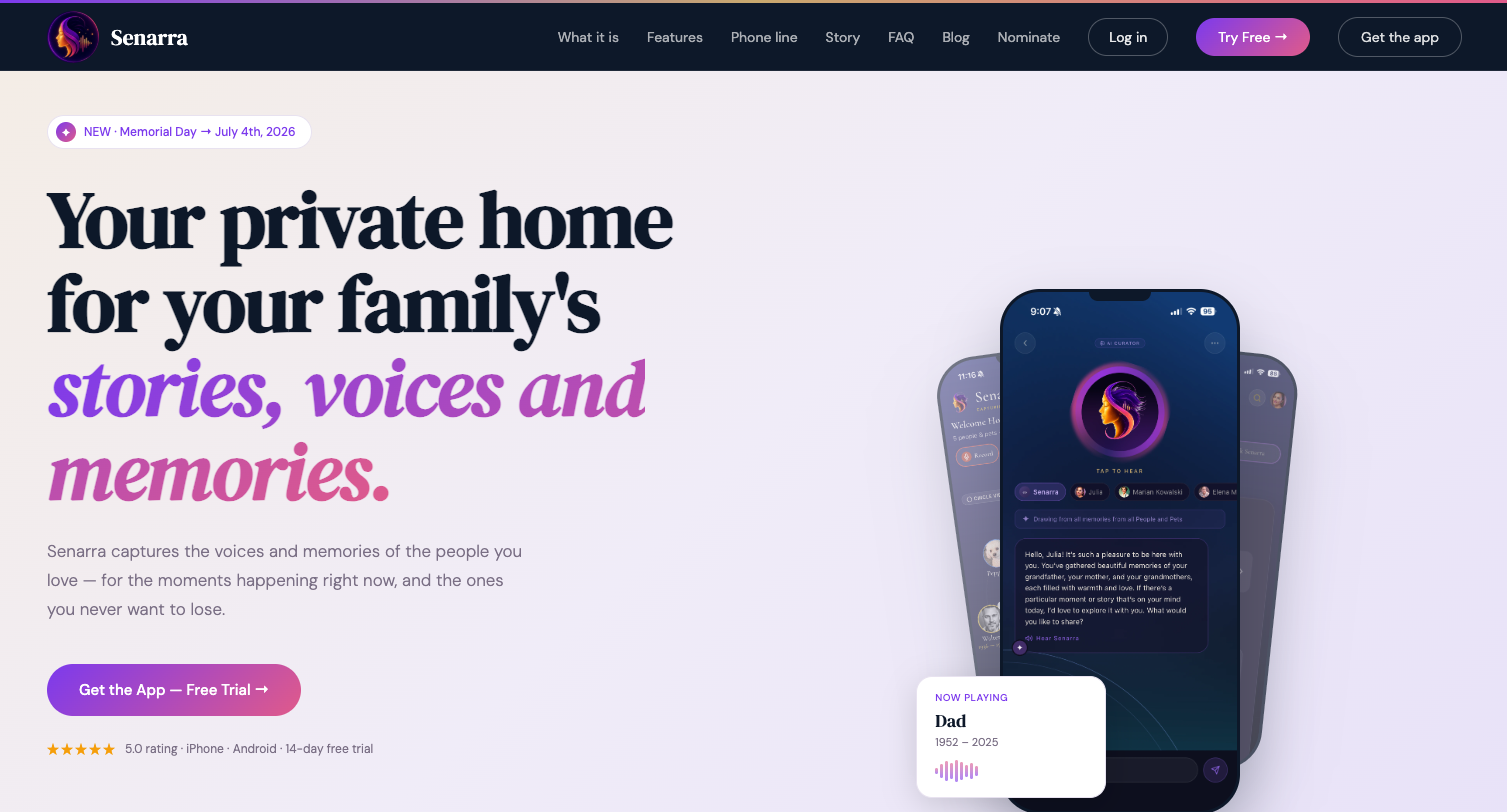
From there, sign up for Senarra's free trial and try the guided interview feature, it walks you through the exact collection process covered above, step by step, so you're not guessing what to record next. Export your first memory archive before you commit to anything, so you always own a raw copy outside the app. Plan and pricing details, including what's included after the trial, live on the pricing page. If you get stuck, support is built into the app itself.
Sources
- Columbia bioethics article on AI memorial ethics
- MemorialBot: Voice Cloning And Personality-Driven Conversational Framework For Post-Humous Digital Interaction And Grief Support
- Peer-reviewed grief research (SAGE Journals)
Read the ethics and privacy section above closely before making any memorial public.