
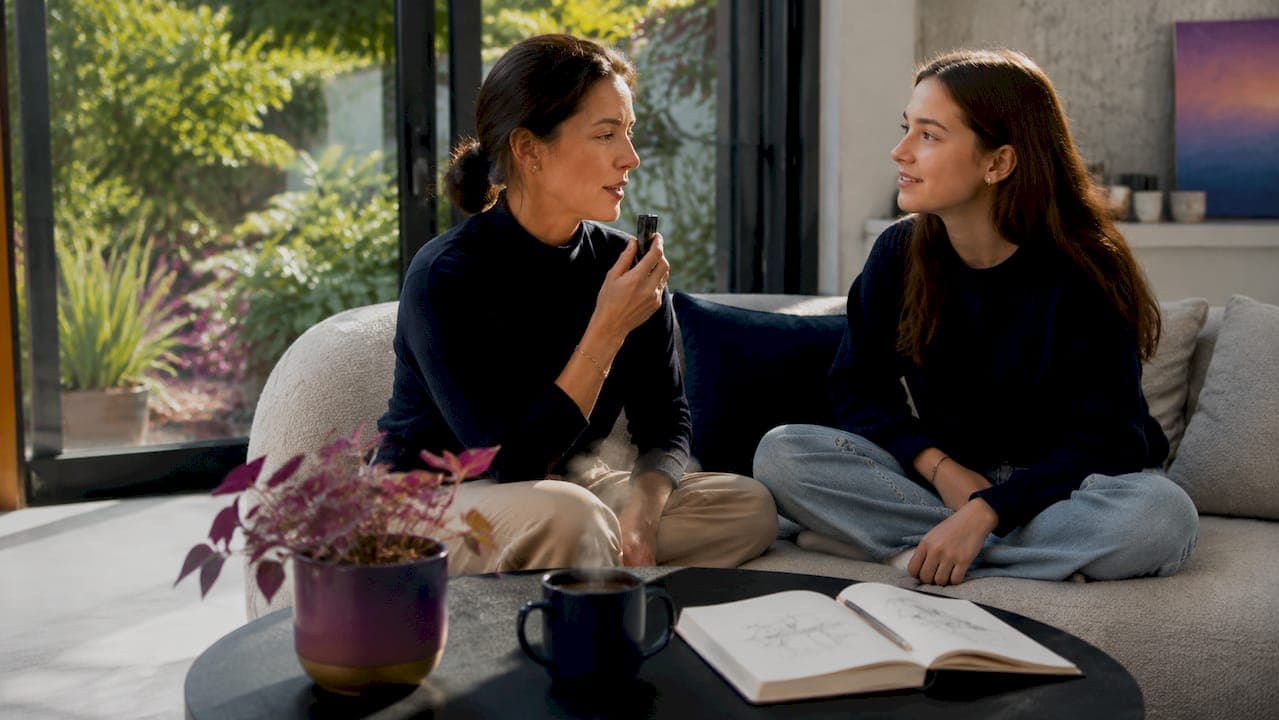
Voice recording is the most direct method to document ancestry stories, capturing tone, laughter, and inflection that no written genealogy record can replicate. A family tree full of names and dates tells you who your ancestors were. A recording of your grandmother describing her childhood kitchen tells you who she was. The gap between those two things is exactly what oral history projects are designed to close. With tools like FamilySearch Memories, Senarra, and even a basic smartphone, any family can build a living audio archive that connects generations long after the original storyteller is gone.
How to document ancestry stories through voice recording
The practice of capturing spoken family narratives has a formal name in academic circles: oral history. Oral history is the structured recording of personal testimony to preserve lived experience for future generations. Families don’t need academic training to do this well. They need the right tools, a clear plan, and the understanding that audio preserves tone and inflection in ways that documents simply cannot.
The emotional payoff is real and immediate. When a grandchild hears a grandparent’s voice decades later, the connection is visceral in a way that reading a typed transcript never achieves. That is the core argument for making voice recording your primary method to document family history recordings, not a supplement to written records.
What tools work best for recording ancestral voice stories?
Choosing the right recording setup determines whether your archive sounds like a treasured keepsake or a muffled phone call. Three categories of tools cover most family needs.
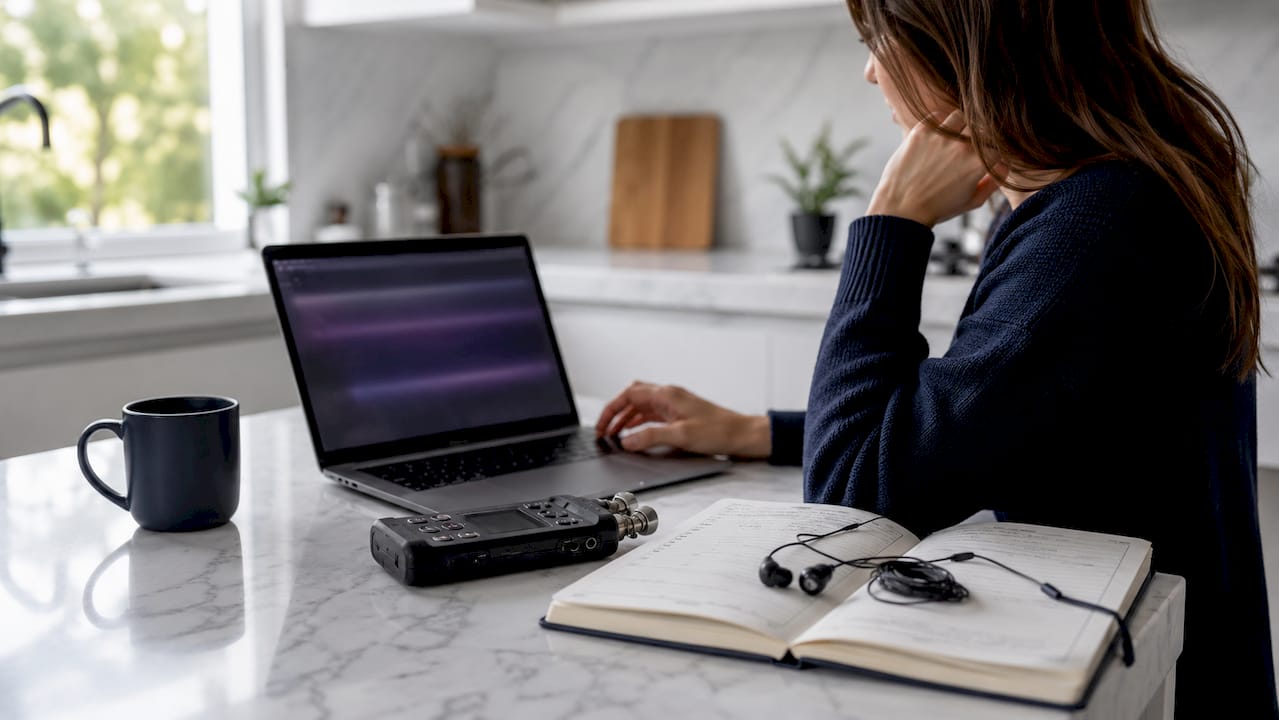
Smartphones are the most accessible starting point. The built-in Voice Memos app on iPhone and the Recorder app on Android both capture clear audio in quiet environments. They are free, always available, and require no technical knowledge. The tradeoff is audio quality in noisy settings.
Dedicated audio recorders like the Zoom H1n or Tascam DR-05X produce noticeably cleaner recordings. They handle background noise better and export in high-fidelity formats. These devices cost between $60 and $120 and are worth the investment if you plan to record multiple family members over time.
Platform apps add storage and organization on top of recording. The FamilySearch Memories app lets you record audio directly and link it to a person’s profile in your family tree. Ancestry’s AI Stories tool takes a different approach entirely: it uses generative AI narration to create audio biographies from existing genealogical records, which is useful when the original storyteller is no longer available.
| Tool | Best For | Cost | Audio Quality |
|---|---|---|---|
| iPhone Voice Memos | Quick, casual recordings | Free | Good in quiet settings |
| Zoom H1n | High-quality interviews | ~$70 | Excellent |
| FamilySearch Memories | Linked family tree storage | Free | Depends on device |
| Senarra | Conversational AI archive | Subscription | High, with voice cloning |
| Ancestry AI Stories | AI-narrated biographies | Ancestry plan | Synthesized narration |
File format matters more than most families realize. MP3 compresses audio and reduces file size, making it practical for sharing and uploading. WAV files preserve full audio fidelity but are significantly larger. For long-term archiving, record in WAV and convert to MP3 for sharing. FamilySearch accepts audio uploads up to 15 MB, so keep that ceiling in mind when choosing your format.
Pro Tip: Record a 30-second test clip before every session and play it back through headphones. You will catch background hum, wind noise, or low volume before you lose an irreplaceable story to a technical problem.
How do you prepare for an effective family story interview?
Preparation separates a rich, emotional recording from a stilted, forgettable one. The storyteller’s comfort level directly determines how much they share.
Choose your subject thoughtfully. Older relatives hold the deepest wells of family memory, but younger family members carry stories too. Cousins, siblings, and even children have perspectives worth capturing. Prioritize anyone whose health or geography makes future recording uncertain.
Write your questions in advance, but hold them loosely. A prepared list of prompts keeps the conversation moving without making it feel like an interrogation. Strong prompts include: “What is the earliest memory you have of your parents?” and “Describe a typical Sunday when you were ten years old.” Specific, sensory questions produce far richer answers than broad ones like “Tell me about your childhood.”
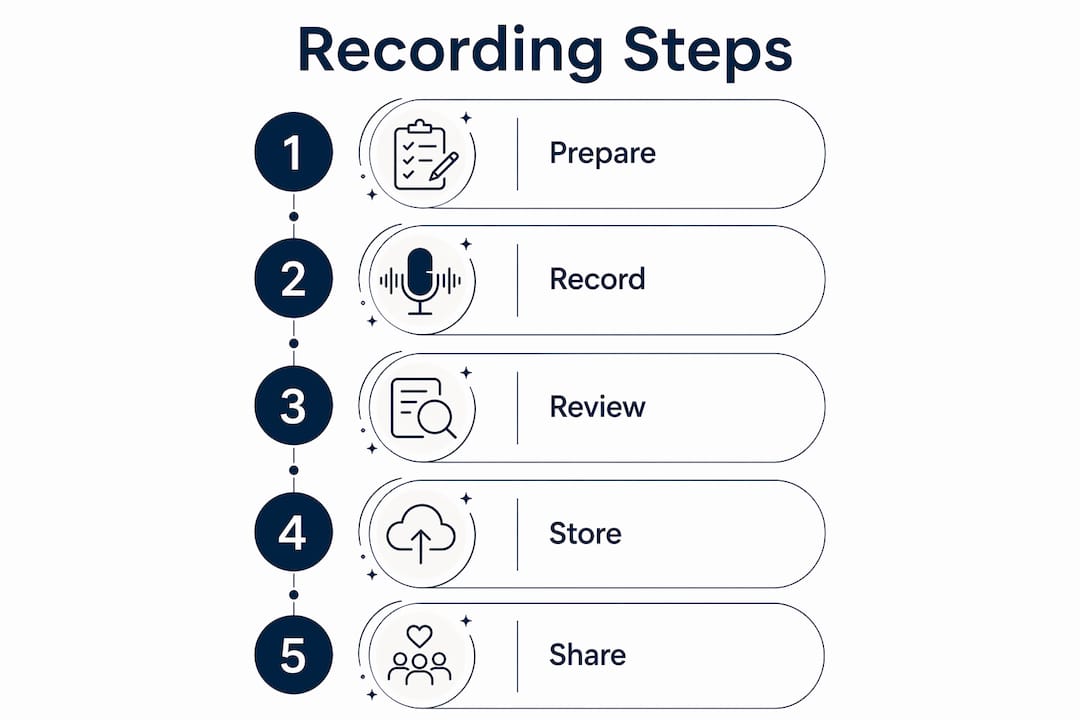
Here is a practical sequence for running the session:
-
Choose a quiet room with soft furnishings. Carpets, curtains, and upholstered furniture absorb echo. Avoid kitchens and bathrooms, which create reverb.
-
Silence all phones except the one you are recording on. Turn off fans, air conditioners, and televisions.
-
Place your recording device 12–18 inches from the speaker’s mouth, not directly in front of their face.
-
Start with an easy, warm-up question before pressing record. Let the storyteller relax into conversation first.
-
Press record, then state the date, location, and the name of the person speaking. This metadata becomes part of the audio file itself.
-
Ask your first prompt and then stay quiet. Resist the urge to fill silences. Pauses often precede the most meaningful moments.
-
Follow tangents. The best stories rarely arrive in a straight line.
Pro Tip: Bring a physical photograph or a familiar object to the session. Holding something tangible from the past triggers memories that abstract questions never reach. A photo of a childhood home can unlock twenty minutes of vivid storytelling.
Common mistakes to avoid include recording near open windows, asking yes-or-no questions, and rushing through your question list. The goal is a conversation, not a survey.
How should you store and organize voice recordings for the long term?
A recording that no one can find is a recording that no one will hear. Organization is the difference between a living archive and a forgotten folder on an old hard drive.
Start with consistent file naming. Use a format like: LastName_FirstName_Date_Topic. For example: “Martinez_Elena_1952_ImmigrationStory.mp3.” This makes files searchable without opening them.
Metadata tagging adds a second layer of findability. Structured metadata including names, dates, locations, and story context allows you to search an archive by keyword, timeframe, or family relation. FamilySearch Memories lets you tag audio files directly to a person’s profile, which means the recording surfaces automatically when anyone views that ancestor’s page.
Backup in at least three locations. Store one copy on your local hard drive, one on a cloud service like Google Drive or iCloud, and one on an external drive kept at a different physical location. Digital files are fragile in ways that feel invisible until a hard drive fails.
Choose your primary platform based on your family’s needs:
-
FamilySearch Memories: Free, links directly to family tree profiles, accepts files up to 15 MB per upload
-
Google Drive or Dropbox: Flexible storage with easy sharing links, no family tree integration
-
Senarra: Built for emotional memory preservation, includes voice cloning and a phone-accessible memory line
-
External hard drives: Reliable offline backup, no sharing features
The digital legacy vault approach recommended by archivists combines cloud storage with structured metadata and a dedicated family tree platform. This three-layer system protects against both technical failure and organizational chaos.
How can families share voice recordings and keep stories alive?
Preserving recordings is only half the work. The other half is making sure family members actually listen to them.
Weekly voice note prompts sent through a shared family messaging group on platforms like Telegram or WhatsApp are one of the most effective ways to build ongoing participation. A simple weekly question like “Share a memory of a family holiday” lowers the barrier to contribution and accumulates stories over months and years. The key insight is that scheduled prompts in messaging groups turn story collection from a one-time project into a living family ritual.
Family reunions offer a natural stage for sharing. Playing a two-minute clip of a grandparent’s voice during a gathering creates an emotional moment that strengthens family bonds in ways that photo slideshows rarely match. You can also create a short “story of the month” tradition where one recording is shared with the whole family via email or a private group.
Privacy considerations matter when sharing recordings outside immediate family. Before posting any recording to a semi-public platform, confirm that the person recorded gave explicit consent for that level of distribution. Senarra addresses this directly through its ethical memory storage framework, which gives families clear guidelines on consent and data protection.
Pro Tip: Create a private, unlisted YouTube playlist or a shared Google Photos album specifically for family audio clips. Both platforms allow you to share a single link with relatives who are not tech-savvy, without requiring them to create an account.
Key takeaways
Preserving family history through voice recording requires the right tools, deliberate preparation, structured storage, and consistent sharing habits to build an archive that lasts.
| Point | Details |
|---|---|
| Voice captures what text cannot | Audio preserves tone, laughter, and inflection that written records never convey. |
| Match tools to your goals | Use FamilySearch Memories for tree-linked storage, Senarra for AI-powered emotional archives. |
| Prepare before you press record | Quiet rooms, specific prompts, and a warm-up conversation produce far richer stories. |
| Tag metadata from day one | Names, dates, and locations make recordings searchable for future generations. |
| Make sharing a weekly habit | Scheduled prompts in family messaging groups build a living archive over time. |
Why voice archives are worth more than you think
I have spent years watching families treat voice recording as a project they will get to eventually. They rarely do. The grandparent who could have described crossing the Atlantic in 1948 passes away, and the family is left with a photograph and a name on a census record. That is a real loss, and it is almost always preventable.
What surprises most people when they finally sit down to record is how quickly the conversation deepens. Within ten minutes of asking a simple question about a childhood home, you are hearing stories about fear, love, and resilience that the family never knew existed. Written records do not do that. A typed transcript does not do that. The voice does.
The practical lesson I keep returning to is this: simplicity sustains the habit. Families that try to build a perfect archive in one weekend almost always abandon it. Families that commit to one 20-minute recording per month, tagged and uploaded the same day, build something genuinely extraordinary over five years. The weekly prompt approach works for the same reason. Small, consistent actions compound into an archive that future generations will treasure.
The other thing worth saying plainly: do not wait for the right moment. Record now, with the device in your pocket, in whatever room you are in. An imperfect recording of a real story is worth more than a perfect recording that never happens.
— Bryan
Preserve every voice with Senarra
Senarra is built specifically for families who want to go beyond a folder of audio files. The platform captures conversations in a loved one’s authentic voice, uses voice cloning to preserve that voice for future access, and offers a memory line you can call to hear a stored recording whenever you need it. For families working on oral history projects or anyone who wants to store emotional voice recordings for future generations, Senarra provides the structure, privacy, and emotional depth that general cloud storage cannot match. Explore what Senarra’s memory preservation features can do for your family’s story today.
FAQ
What is the best device to record family stories?
A smartphone with a built-in recorder app works well for casual sessions. For higher audio quality, a dedicated recorder like the Zoom H1n produces noticeably cleaner results, especially in less-than-perfect environments.
How do i upload voice recordings to FamilySearch?
The FamilySearch Memories app lets you record audio directly or upload existing files linked to a person’s family tree profile. Audio files must be under 15 MB per upload.
What file format should i use for long-term storage?
Record in WAV for maximum audio fidelity and convert to MP3 for sharing and uploading. MP3 compresses file size at the cost of some quality, while WAV preserves the full original recording.
How do i get reluctant family members to share stories?
Bring a physical photograph or familiar object to the session. Tangible items from the past trigger specific memories that open-ended questions rarely reach. Starting with a warm-up conversation before pressing record also reduces self-consciousness significantly.
Can AI tools help when original recordings don’t exist?
Yes. Ancestry’s AI Stories tool uses generative AI narration to create audio biographies from existing genealogical records. Senarra’s voice cloning feature can also reconstruct a voice from existing audio samples for families who want to preserve a loved one’s sound for future generations.